Loom vs Professional Video Editing: Compared
Loom vs professional video editing, compared head to head. Learn when a quick async recording is enough and when polished editing is the smarter call.
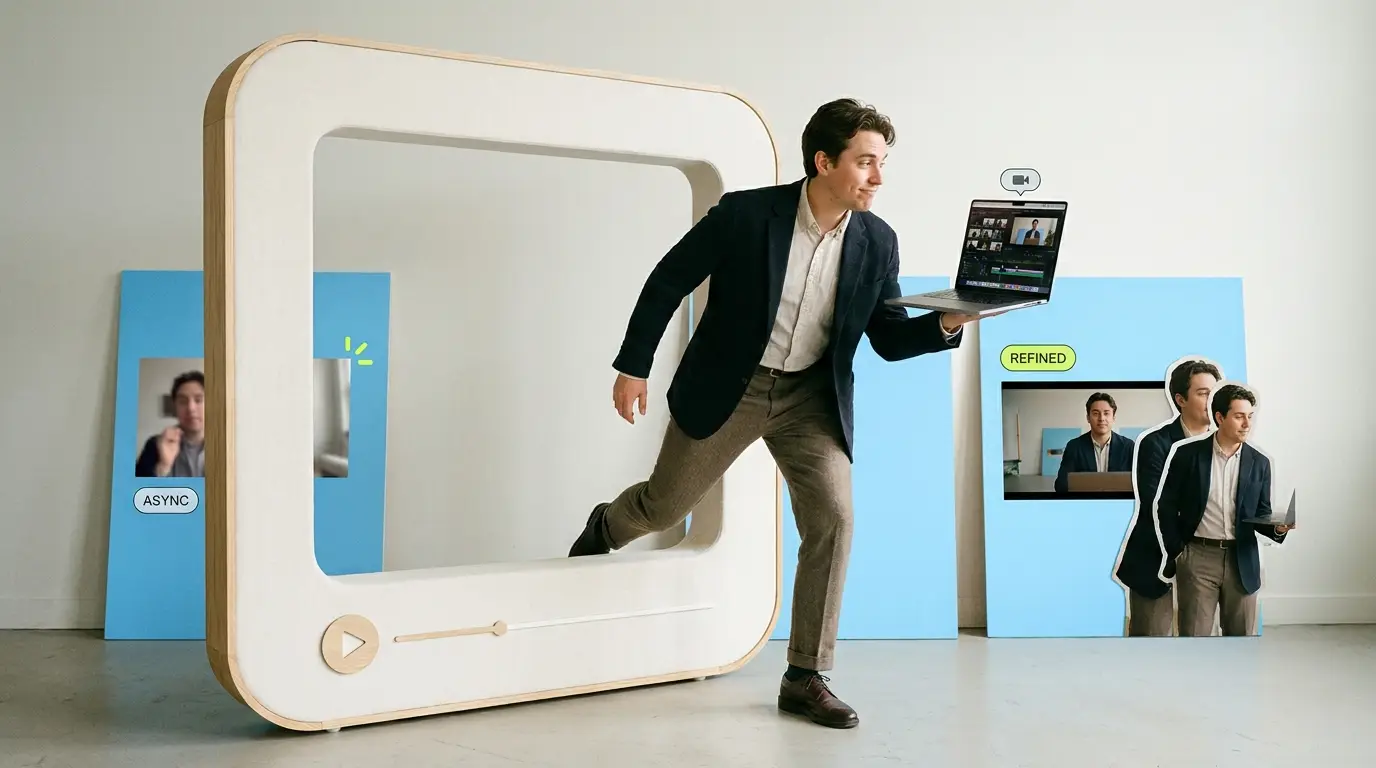
The Loom vs professional video editing question comes up the moment a team starts taking video seriously. Loom is a screen-and-camera async recording tool built for speed. You hit record, talk through your screen, and share a link in minutes. Professional video editing is a different discipline entirely, focused on pacing, brand polish, captions, and b-roll. Both have a place. The mistake is using one when the job clearly calls for the other. This guide breaks down where each approach wins so you stop overspending on edits you do not need and stop publishing raw clips that quietly hurt your brand.
What Loom actually does well
Loom is a recording tool, not an editing suite. You capture your screen and webcam at the same time, then drop the resulting link into Slack, an email, or a document. That is the core loop, and it is genuinely useful.
The strength is friction. There is almost none. A product manager can record a two-minute walkthrough of a new feature faster than they could write a paragraph explaining it. A support rep can show a customer exactly where to click instead of typing out twelve numbered steps. This is async communication done right, and it saves real hours.
Loom also handles the boring logistics for you. Hosting, a shareable link, basic viewer analytics, and light trimming all come built in. You can cut the dead air at the start, snip a fumble in the middle, and call it done. For internal work, that is often all the editing anyone will ever need.
Where Loom stays flat is anything past trimming. There is no multi-track timeline, no real motion graphics, no sound design, no color work, no layered b-roll. It was never meant for that, and trying to force polished marketing video out of it is where teams get frustrated.
What professional editing adds

Professional editing starts where Loom stops. An editor takes raw footage and shapes it into something that holds attention and reflects a brand. That work includes a few distinct layers.
Pacing is the first one. A raw recording moves at the speed the person spoke. An editor tightens it, cuts the pauses, reorders sections for clarity, and gives the video rhythm. A nine-minute ramble becomes a focused three-minute story.
Then comes the visual layer. Branded intros and outros, lower thirds, on-screen callouts, animated text, and b-roll that illustrates the point being made. Captions get styled and synced so the video works with the sound off, which matters because most social feeds autoplay muted.
Audio is the layer people forget. Editors balance levels, remove background hum, add music beds, and make sure narration sits clearly on top. Bad audio is the fastest way to make a video feel amateur, and it is invisible until someone fixes it.
The combined effect is a video that signals you took it seriously. For external content, that signal does real work. According to Wyzowl, 91% of businesses use video as a marketing tool, and 82% say a video convinced them to buy a product or service. When that many buyers are watching, production quality stops being optional.
When raw Loom is enough
You do not need an editor for most of what you record. Reach for Loom and skip professional editing when the video is:
- An internal update or standup recap for your own team
- A quick bug report or feature walkthrough for engineering
- A one-to-one reply to a customer or prospect
- A loose sales follow-up where the personal, unpolished feel is a feature, not a flaw
- A training clip that lives inside your help center or onboarding docs
The common thread is a small, known audience and a short shelf life. Nobody expects b-roll in a Tuesday status update. In these cases, polish would actually work against you. A heavily produced internal memo feels strange, and the time spent editing it is time wasted. Loom wins on speed, and speed is the whole point.
The async angle matters here too. A recorded walkthrough that someone watches at 1.5x on their own schedule often beats a live meeting. That is a workflow win, not a production decision, and Loom is built for exactly it.
When you need professional editing

The calculus flips the moment the video faces outward and represents the brand. You need real editing when the clip is:
- A product demo on your homepage or pricing page
- An ad running on paid social or YouTube
- A customer testimonial or case study
- A webinar or event recording you plan to repurpose
- Anything embedded in a sales deck that closes deals
Here the audience is large, often cold, and forming a first impression. A raw screen recording with uneven audio and no captions tells a prospect you cut corners. A tight, branded, captioned video tells them the opposite. HubSpot's research backs this up: their marketing statistics roundup consistently shows video outperforming other formats for engagement and conversion across channels.
Product demos are the clearest example. A founder's rough Loom can validate an idea internally, but the demo on your site needs structure, callouts, and pacing that guides a stranger through the value in under two minutes. If you publish SaaS demos, our guide to SaaS product demo video best practices walks through exactly what separates a recording from a converting demo.
The cost picture, honestly
This is where the Loom vs professional video editing decision gets practical. Loom itself is cheap, and its trimming is free with the recording. The cost question only appears once you decide a video needs real editing, and then you have a few paths.
Hiring an in-house editor runs roughly $55,000 to $75,000 per year in salary, per ZipRecruiter, before benefits, software, and equipment. That only makes sense if you have a steady, high volume of video.
Freelancers are the flexible option, typically charging $75 to $250 per video depending on complexity and length. The tradeoff is consistency and availability, since good freelancers book up and turnaround can slip. Our breakdown on how to outsource video editing covers how to vet and brief them so quality holds steady.
Agencies sit at the high end, often $500 to $5,000 or more per project, with strong polish but slower timelines and heavier overhead. Across the broader market, one-off edited videos commonly land anywhere from $500 to $3,000 depending on scope.
Then there is the subscription model, which has grown specifically to solve the gap between expensive agencies and unreliable freelancers. For a flat monthly fee you get a queue of edits without per-project negotiation. We compare the options in our video editing subscription services guide and rank providers in our roundup of the best video editing services compared.
A simple decision framework

If you want one rule to carry away, use this: match the production to the audience and the lifespan.
Ask two questions before any recording. First, who sees this? If it is your own team or a single known contact, Loom is almost always the right call. If it is the public, a paid audience, or a high-stakes prospect, lean toward professional editing.
Second, how long does it live? A status update is irrelevant in a week. A homepage demo runs for a year or more and gets seen by thousands. The longer the shelf life and the wider the reach, the more editing pays off.
When both answers point inward and short, record in Loom and move on. When either points outward or long, the polish earns its keep. Most teams do not need to choose one tool forever. They need to route each video to the right one, which is why the smartest setups keep Loom for internal speed and a done-for-you video editing service on standby for everything external.
Common mistakes teams make
The first mistake is publishing raw Loom recordings as marketing. A founder records a demo, likes how authentic it feels, and ships it to the homepage. It converts worse than they hope because the audio is uneven and the pacing wanders. Authenticity does not excuse a poor first impression for a cold visitor.
The second mistake is the opposite: over-producing internal video. A team builds a polished, branded template for weekly updates and then nobody keeps it up because each one takes an hour to edit. The habit dies. Internal video should be disposable and fast.
The third is treating editing as a one-time event. Brands that win with video build a repeatable pipeline so a steady stream of external content stays consistent. A single beautiful demo is nice. A monthly cadence of branded clips compounds.
The fourth is underestimating captions. Silent autoplay is the default on most feeds, and an uncaptioned video loses viewers in the first three seconds. Loom does not style captions for social. Professional editing does, and it is one of the highest-return parts of the job.
What Pixel8 Production offers
Pixel8 Production is a done-for-you B2B video editing subscription built for teams that have outgrown raw recordings but do not want to hire in-house or chase freelancers.
You get a dedicated editor who learns your brand, a 48-hour turnaround on most edits, and unlimited revisions until each video is right. Pricing is a flat $2,000 to $3,200 per month, which sits below the loaded cost of a full-time hire and removes the per-project haggling of agencies.
The model is designed for exactly the boundary this article describes. Keep using Loom for internal speed and async updates. When a video needs to face the public, with real pacing, captions, b-roll, and brand polish, send the raw footage to your editor and get a finished piece back without managing a freelancer or building a team. It is the steady pipeline that turns occasional video into a consistent channel.
Bottom line
Loom and professional editing are not competitors. They are tools for different jobs. Loom wins on speed for internal updates, demos, and async communication where a small, known audience and a short shelf life make polish pointless. Professional editing wins the moment a video faces the public, where pacing, captions, b-roll, and brand consistency turn viewers into buyers. The smart move is not picking one. It is routing each video to the right one: Loom for fast internal work, and a reliable editing partner for everything that carries your brand into the world.
Where to go from here
Frequently asked questions
Is Loom good enough for marketing videos?
For most external marketing, no. Loom is excellent for internal updates, demos for known contacts, and async communication, but it lacks the pacing, captions, b-roll, and brand polish that public-facing video needs to convert cold audiences. Use it for speed, not for your homepage.
Can I edit videos inside Loom?
Only lightly. Loom lets you trim the start, end, and middle of a recording, which covers basic cleanup. It does not offer a multi-track timeline, motion graphics, sound design, or layered b-roll, so anything beyond trimming requires a real editor or editing software.
When is professional video editing worth the cost?
It is worth it when the video faces outward and represents your brand: product demos on your site, paid ads, testimonials, and repurposed webinars. The wider the audience and the longer the video stays live, the more the polish pays off in conversions and credibility.
How much does professional video editing cost?
It depends on the path. Freelancers usually charge $75 to $250 per video, agencies run $500 to $5,000 or more per project, and an in-house editor costs roughly $55,000 to $75,000 per year in salary. Across the market, one-off edited videos commonly fall between $500 and $3,000.
What does a video editing subscription cost?
Subscription editing replaces per-project pricing with a flat monthly fee. Pixel8 Production, for example, runs $2,000 to $3,200 per month for a dedicated editor, 48-hour turnaround, and unlimited revisions, which often costs less than a full-time hire while staying more reliable than freelancers. A $900 trial is available to test the service before committing to a monthly plan.
Do I need captions on my videos?
Yes, for anything on social or your website. Most feeds autoplay muted, so an uncaptioned video loses viewers in the first few seconds. Loom does not style social-ready captions, but professional editing syncs and styles them, which is one of the highest-return improvements you can make.
Should my team use Loom and professional editing together?
Most successful setups do exactly that. They keep Loom for fast internal updates and async messages, and they route any external or high-stakes video to a professional editor or subscription service. Matching each video to the right tool gives you both speed and polish without overspending.
How fast can a professional editor turn around a video?
It varies by provider. Freelancers and agencies often take several days to a week or more. Subscription services like Pixel8 Production target a 48-hour turnaround on most edits, which keeps a steady content cadence realistic without sacrificing quality.

Prakhar Mehta
Pixel8 is a done-for-you video editing subscription, giving SaaS companies, agencies, and founders a dedicated editing team with 48-hour turnaround.
Ready to stop doing this yourself?
Get a dedicated video editing team. 48-hour turnaround, unlimited revisions, month-to-month.