DaVinci Resolve vs Video Editing Service
DaVinci Resolve vs video editing service: compare editing yourself in this powerful free app against a done-for-you team built for consistent business output.
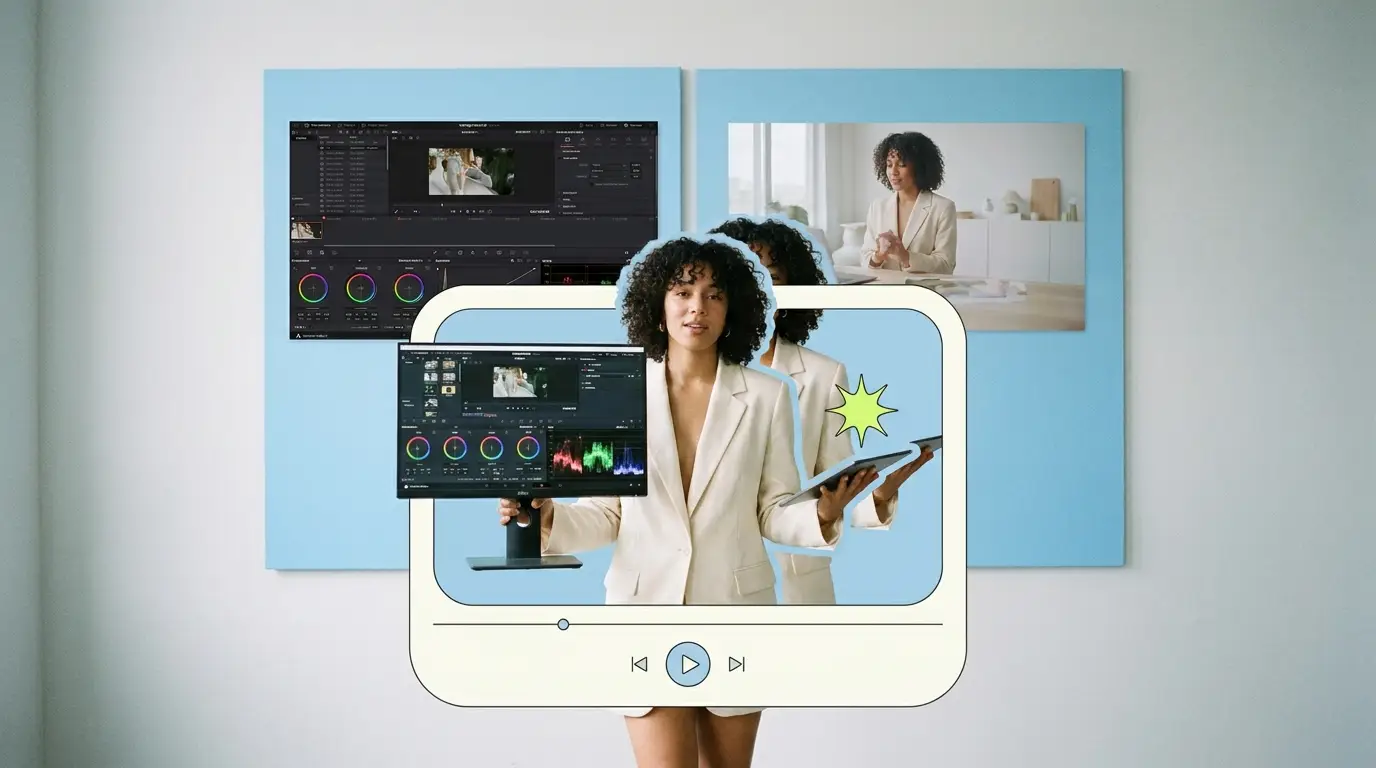
Choosing between DaVinci Resolve vs video editing service comes down to a simple question: do you want to do the work yourself, or do you want finished video without touching a timeline? DaVinci Resolve is one of the most powerful editing and color tools available, with a free version that genuinely competes with paid software. A done-for-you video editing service hands you polished output on a schedule. Both can produce excellent results. They just ask very different things of your time, your team, and your budget.
This guide treats both options fairly so you can pick the one that fits how your business actually works.
Why this decision matters more than ever
Video is no longer a nice-to-have for businesses. According to Wyzowl, 91% of businesses use video as a marketing tool, and 82% of people say a video convinced them to buy a product or service. Those numbers explain why so many teams feel pressure to produce more video, faster.
The problem is that producing video well takes either skill or money, and usually both. HubSpot research backs this up, with video consistently ranking among the highest-performing content formats for marketers. You can read more in HubSpot's video marketing statistics and Wyzowl's annual video survey.
So the real choice is not whether to make video. It is how. DaVinci Resolve represents the do-it-yourself path. A video editing service represents the done-for-you path.
What DaVinci Resolve actually is
DaVinci Resolve is made by Blackmagic Design. It started as a high-end color grading system used on feature films and has grown into a full editing suite that handles editing, color, visual effects, motion graphics, and audio in one application.
There are two versions. The free version of DaVinci Resolve is remarkably capable and covers what most people need for editing and color work. The paid version, DaVinci Resolve Studio, adds features such as advanced noise reduction, certain effects, higher-resolution and frame-rate support, and more collaboration tools. Studio is a one-time purchase rather than a monthly fee, which appeals to people who dislike subscriptions. Blackmagic updates the exact pricing and feature split over time, so check their site for current details before you commit.
The headline takeaway: Resolve gives you professional-grade control, especially over color and finishing, at a cost that is hard to beat. The catch is that the software does nothing on its own. You, or someone on your team, has to learn it and run it.
Where DaVinci Resolve shines
- Color grading and finishing. This is Resolve's heritage. The color tools are deeper than almost anything else on the market, and that matters if your brand lives or dies on visual polish.
- Cost of the tool itself. The free version removes the price barrier entirely. Studio is a single purchase, not a recurring bill.
- Creative control. Every frame, every transition, every grade is your decision. Nothing is filtered through someone else's interpretation.
- All-in-one workflow. Editing, color, audio, and effects live in one app, which reduces round-tripping between programs.
Where DaVinci Resolve gets hard

- The learning curve is steep. Resolve is powerful precisely because it is deep. Getting comfortable takes weeks, and getting good takes months of consistent practice.
- It needs capable hardware. Color and effects work benefits from a strong computer. Underpowered machines slow you down or force compromises.
- It eats time. Even a skilled editor spends real hours per project. For a business owner, those hours come straight out of running the business.
- Consistency depends on the person. If your one trained editor leaves or gets busy, output stalls.
What a done-for-you video editing service is
A video editing service is a team that takes your raw footage and returns finished, edited video. You do not open any software. You upload clips, share a brief, and receive a polished result. The better services assign a dedicated editor who learns your brand and style over time, so the output stays consistent.
This is the model Pixel8 Production uses, and it is built specifically for businesses that need a steady stream of video without building an in-house editing function. If you are weighing this path, our guide to video editing subscription services walks through how the subscription model works, and our breakdown of the best video editing services compared shows how providers differ.
Where a service shines

- No learning curve. You skip the months it takes to master software like Resolve. The skill already exists on the other end.
- Time back. Your hours go to your business instead of a timeline.
- Consistent output. A dedicated editor and a defined process keep your videos on-brand across dozens of projects.
- Predictable cost. Subscription services bill a flat monthly rate, so you can budget without surprise per-project invoices.
Where a service has limits

- Less hands-on control. You direct through briefs and revisions rather than touching the edit yourself. Good services close this gap with unlimited revisions, but it is still a step removed.
- It is a recurring cost. A service is an ongoing expense, not a one-time tool purchase.
- Fit matters. You need a provider whose style and turnaround match your needs, which is why vetting up front pays off.
The honest cost comparison
Cost is usually where this decision gets decided, so here is the fair version.
DaVinci Resolve. The free version costs nothing. Resolve Studio is a one-time purchase. The real cost is not the software, it is the time and skill required to use it, plus capable hardware. If you or a staff member already know Resolve, the effective cost is low. If nobody does, the cost is the weeks of learning plus the salary of whoever spends those hours.
Hiring an in-house editor. If you decide editing should be a full-time role, expect to pay a salary. According to ZipRecruiter, a video editor in the United States typically earns between $55,000 and $75,000 per year. You can see current figures in ZipRecruiter's video editor salary data. Add software, hardware, benefits, and management time on top. We compare this route in detail in our piece on a dedicated video editor vs an in-house hire.
Freelancers. Freelance editors typically charge $75 to $250 per video, which works well for occasional one-off projects but gets expensive and unpredictable at volume.
Agencies. Traditional agencies often charge $500 to $5,000 or more per project, with premium polish and premium pricing to match.
Subscription services. A done-for-you subscription like Pixel8 runs a flat monthly fee. The general market for video editing services spans roughly $500 to $3,000 per month depending on volume and scope. If you want the mechanics of choosing this route, see our guide on how to outsource video editing.
The pattern is clear. DaVinci Resolve has the lowest software cost and the highest time cost. A service flips that: higher recurring spend, near-zero time cost.
How to decide between the two
Ask yourself a few practical questions.
Do you or your team already know Resolve, or want to learn it? If yes, and you enjoy the craft, Resolve gives you unmatched control for very little money. If learning a deep application is not how you want to spend your time, that answer points toward a service.
How much video do you need, and how often? A handful of projects a year suits a freelancer or a quick learn in Resolve. A steady stream every week suits a subscription service, because consistency and turnaround matter more than per-project control.
How important is finishing polish that only you can deliver? If your brand depends on a specific, hand-crafted color look that you personally control, Resolve is hard to give up. If your goal is consistent, professional output that looks great without you in the chair, a service delivers that.
What is your time actually worth? This is the question most people skip. If running Resolve pulls you away from sales, strategy, or product, the math often favors handing the work off. A done-for-you video editing service exists precisely to buy that time back.
For many businesses the honest answer is a blend: keep Resolve in-house for the rare project you want total control over, and use a service for everything else.
What Pixel8 Production offers
Pixel8 Production is a done-for-you video editing subscription built for B2B teams that need consistent video without the overhead of software, hardware, hiring, or learning curves.
Here is what the subscription includes:
- A dedicated editor who learns your brand, your style, and your preferences, so your videos stay consistent across every project.
- 48-hour turnaround on most edits, so your content keeps moving instead of sitting in a queue.
- Unlimited revisions, which means you direct the result until it is right without watching a meter or paying per change.
- Flat, predictable pricing of $2,000 to $3,200 per month, with no per-project invoices or surprise costs.
The trade you are making is straightforward. You give up the hands-on, frame-by-frame control of running DaVinci Resolve yourself. In return you get finished, on-brand video on a reliable schedule, and you get your time back. For businesses that value output and consistency over doing the craft personally, that trade is an easy one.
Bottom line
DaVinci Resolve and a video editing service solve the same problem from opposite ends. Resolve gives you professional-grade control, especially over color and finishing, for very little money, as long as you have the time and skill to use it. A service gives you consistent, finished video on a schedule, for a recurring fee, with none of the learning curve.
If you love the craft, already know Resolve, or need total control over a specific look, the software wins. If you want reliable output without spending your weeks in a timeline, a done-for-you service like Pixel8 Production wins. Most businesses are honest enough about their time to know which side of that line they fall on. Pick accordingly, and your video output will thank you for it.
Where to go from here
Frequently asked questions
Is DaVinci Resolve good enough for professional business video?
Yes. DaVinci Resolve is used on professional film and broadcast work, and its color and editing tools are genuinely professional grade. The free version handles most business needs. The limiting factor is rarely the software. It is whether you have the time and skill to use it well.
Is the free version of DaVinci Resolve really free?
Yes. Blackmagic Design offers a free version of DaVinci Resolve with no time limit and no watermark. The paid version, DaVinci Resolve Studio, is a one-time purchase that adds advanced features. Check Blackmagic's site for the current feature split and price.
How long does it take to learn DaVinci Resolve?
You can learn the basics in a few weeks of regular use, but reaching the point where your edits look consistently polished usually takes several months. The color and effects tools in particular reward sustained practice. This time cost is the main thing to weigh against using a service.
Is a video editing service cheaper than editing in DaVinci Resolve myself?
It depends on what your time is worth. The Resolve software is free or a one-time cost, so the tool is cheaper. But once you factor in the hours you spend editing, or the salary of someone who does, a service often comes out competitive, especially at volume. A subscription service runs $500 to $3,000 per month in the general market.
When does a done-for-you service make more sense than software?
A service makes more sense when you need a steady stream of consistent video, when you do not want to spend time learning and running editing software, or when you would rather direct results through briefs than build edits yourself. Businesses producing video weekly tend to favor a service for the consistency and time savings.
Can I use both DaVinci Resolve and a video editing service?
Yes, and many businesses do. A common approach is to keep Resolve in-house for occasional projects where you want full creative control, while using a service for the regular, high-volume output. This blend gives you control where it matters and efficiency everywhere else.
What does Pixel8 charge and what is included?
Pixel8 Production runs $2,000 to $3,200 per month for a done-for-you video editing subscription. That includes a dedicated editor who learns your brand, a 48-hour turnaround on most edits, and unlimited revisions, all at a flat predictable rate with no per-project fees.
Do I need a powerful computer to use DaVinci Resolve?
For basic editing, a mid-range computer is fine. For heavy color grading, visual effects, or high-resolution footage, Resolve benefits from a strong machine with a capable graphics card. Underpowered hardware can slow you down or limit what you can do. With a service, hardware is not your concern at all.

Prakhar Mehta
Pixel8 is a done-for-you video editing subscription, giving SaaS companies, agencies, and founders a dedicated editing team with 48-hour turnaround.
Ready to stop doing this yourself?
Get a dedicated video editing team. 48-hour turnaround, unlimited revisions, month-to-month.