Video Sound Design and Music Licensing Guide
A practical video sound design guide for business content: dialogue cleanup, loudness, music selection, ducking, sound effects, plus music licensing basics.
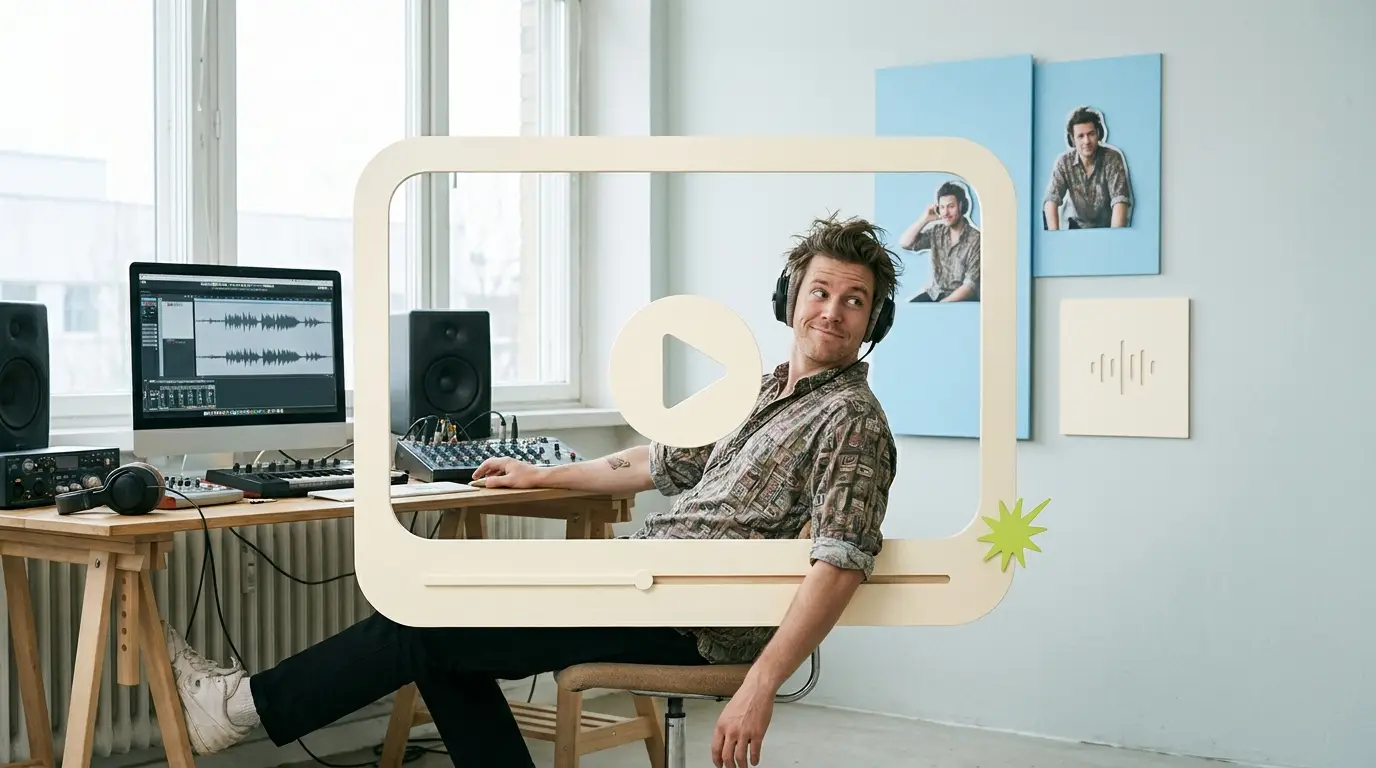
Most teams obsess over how their video looks and forget how it sounds. That is a mistake. Strong video sound design is what separates content that feels professional from content that feels homemade. Viewers will forgive a slightly soft image, but they click away the moment dialogue is muddy, levels jump around, or music drowns out the speaker. This guide covers the practical side of video sound design for business content, from cleaning up dialogue to selecting music, then the licensing rules that keep your videos out of trouble.
The audio side of editing rarely gets attention, yet it is where a lot of the perceived quality lives. According to Wyzowl, 91% of businesses use video as a marketing tool, and 82% say a video convinced them to buy. With that much riding on video, the audio cannot be an afterthought.
Why audio quality decides whether people keep watching
Human attention is unforgiving when sound is bad. People tolerate imperfect visuals far longer than imperfect audio. If the speaker sounds like they are in a tunnel, or the music is fighting the voice, the brain reads the whole video as low effort and tunes out.
For business content, that matters even more. You are asking the viewer to trust you, your product, or your expertise, and clean sound signals competence before a single word lands. Sloppy sound undermines the message no matter how good the script is. The good news: most audio problems are fixable in the edit, and the fundamentals are learnable. You do not need a recording studio. You need a process.
Step one: clean up the dialogue

Dialogue is the foundation. Everything else, music, effects, ambience, sits underneath it. Before anything creative, get the spoken word clear and consistent.
Start with noise reduction. Most editing tools now include a noise reduction or voice isolation feature that samples the room tone and subtracts it. Use it gently, because pushing too hard makes voices sound robotic and underwater. A light pass that removes hum, hiss, and air conditioning rumble is usually enough.
Next, address room echo if the recording was done in a hard-walled space. Reverb reduction tools help, but they are not magic, so the cleaner the original recording, the better. If you control the shoot, record in a softer room with rugs, curtains, or acoustic panels.
Then handle plosives and sibilance. Plosives are the popping sounds from hard P and B sounds hitting the mic, and a high-pass filter around 80 to 100 Hz removes most of the low-frequency thump. Sibilance, the harsh S sounds, gets tamed with a de-esser targeting the 5 to 8 kHz range.
Finally, apply gentle EQ to shape the voice: a small boost around 2 to 5 kHz adds clarity and presence, and a slight cut in the low mids around 250 to 400 Hz reduces muddiness. This is detailed work a dedicated editor handles on every project, part of why teams move toward a done-for-you video editing service rather than learning audio engineering in-house.
Step two: control levels and loudness
Once the dialogue is clean, it needs consistent volume. Nothing reads as amateur faster than levels that jump from whisper-quiet to shouting between cuts.
Use compression to even out the dynamics. A compressor reduces the gap between the loudest and quietest parts of the voice so the listener does not reach for the volume knob. A ratio around 3:1 with moderate attack and release works for most spoken word.
Then think about loudness targets, not just peaks. Platforms normalize audio to a target loudness measured in LUFS (loudness units relative to full scale). YouTube targets around -14 LUFS, and most streaming platforms sit in the -14 to -16 LUFS range. If you master louder than that, the platform turns it down anyway and you lose control. Aim for around -14 LUFS integrated for web video, with true peaks kept below -1 dB to avoid clipping.
This loudness discipline matters across formats. A talking-head video editing service and a short-form clip have different pacing, but both need the voice at a predictable, comfortable level.
Step three: choose music that fits the content

Music sets the emotional tone and the pace. The wrong track fights your message; the right one makes a flat talking head feel intentional and energetic. Three things to get right:
Tempo and energy. Match the track to the content. A product explainer wants something steady and unobtrusive; a brand sizzle or social ad can take a faster, driving track; an interview might want sparse, atmospheric pads.
Genre and brand fit. Corporate does not have to mean boring stock music, but the track should not distract. If viewers notice the music more than the message, it is wrong.
Structure. Pick music with clear sections you can edit around. A track that builds, drops, and resolves gives you natural points to cut to. Music that drones flatly for three minutes is harder to work with.
For short, punchy content, music choice carries even more weight because there is less time to land the point. A short-form video editing service treats music selection and beat-matching as core to the edit, not decoration added at the end.
Step four: pacing, sound effects, and ducking
This is where sound design moves from cleanup to craft.
Pacing. Cut to the rhythm of the track where it makes sense. Aligning a visual transition to a downbeat or musical hit makes the whole piece feel deliberate. You do not have to slam every cut to the beat, but anchoring key moments to the music tightens everything up.
Sound effects. Subtle effects add polish: a soft whoosh on a text animation, a gentle click on a lower-third, a light riser before a reveal. The key word is subtle. Effects should support the content, not announce themselves. Overdone, they make business content feel like a game show.
Ducking. This is the single most important mixing move for talking-head and narrated content. Ducking automatically lowers the music whenever the speaker talks, then brings it back up in the gaps. You can do this manually with volume keyframes or with a sidechain compressor that uses the dialogue track to push down the music. A good duck keeps music present but always subordinate to the voice.
A typical mix hierarchy looks like this: dialogue sits on top at a consistent level, music sits well underneath at maybe -18 to -24 dB relative to the voice, and effects punctuate without overwhelming. Get that balance right and the video sounds professional even if nothing fancy is happening.
This layered work takes time. Comparing providers, as in our breakdown of the best video editing services compared, usually comes down to who handles this audio detail consistently versus who treats it as optional.
Music licensing basics: what is and is not safe

Here is where many businesses get into trouble. You cannot just grab a song you like and drop it into a video. Using copyrighted music without a license is infringement, and on YouTube it triggers automated Content ID claims that can mute or block your video, or redirect all ad revenue to the rights holder.
Royalty-free libraries are the safe, practical answer for most business content. Royalty-free does not mean free of cost. You pay once (or via a subscription) and then use the track without paying ongoing royalties per view. Established libraries like Epidemic Sound, Artlist, Musicbed, and Soundstripe license music for video producers and provide clear usage terms.
A few rules to keep straight:
Read the license scope. Some licenses cover personal and social use but not paid advertising, and some cover a single channel, not your whole company. Confirm the license covers commercial business use and the platforms you publish on.
Subscription versus per-track. Many libraries let you use unlimited tracks while subscribed, but check what happens to published videos if you cancel. Reputable ones let you keep tracks downloaded during an active subscription.
Attribution. Some free or Creative Commons tracks require crediting the artist. Paid library tracks usually do not, but always confirm. Skip a required attribution and you are out of compliance.
Stock music is not the same as a popular song. You cannot license a chart hit through a royalty-free library. Commercial popular music requires separate sync licensing that is expensive and negotiated directly with rights holders, and for nearly all business content it is not worth it.
What is definitely not safe
Pulling audio from another YouTube video, ripping from a streaming service, using a song because it is popular, or assuming something is fine because it is short. None of these are safe. Length does not create a fair use exemption, and fair use almost never applies to background music in commercial content.
Platform copyright systems
YouTube's Content ID scans uploads against a database of registered music. A match can result in a claim even when you have a license, because the system does not automatically know your rights. Most reputable libraries provide a way to clear or whitelist claims, often by submitting your channel ID or a license certificate. Instagram, TikTok, and Facebook have their own in-app music libraries, but those tracks are generally licensed only for organic personal and creator use, not paid ads. For business advertising, use a royalty-free library track instead.
If you produce recurring content like a video podcast, music licensing becomes a repeat decision. A video podcast editing service for B2B typically standardizes on one cleared library so every episode uses compliant music without re-checking the rules each time.
The cost of getting audio right
Audio work takes skill and time, which is why it is often the first thing cut by overstretched in-house teams or cheap freelancers.
A full-time video editor in the United States costs roughly $55,000 to $75,000 per year according to ZipRecruiter, before benefits and software. Freelancers typically charge $75 to $250 per video, but quality and audio attention vary. Agencies often quote $500 to $5,000 or more per project, which gets expensive for steady output. Across the market, project work runs from $500 to $3,000 depending on complexity.
The reason audio quality slips is rarely a lack of knowledge. It is a lack of consistent time and a dedicated person who owns the sound on every deliverable. As HubSpot reports, video continues to dominate content marketing, so the volume only goes up. The teams that win systematize quality.
What Pixel8 Production offers
Pixel8 Production is a done-for-you B2B video editing subscription. You get a dedicated editor who learns your brand, audio standards, and loudness targets, so dialogue cleanup, level control, ducking, and music selection happen the same way on every project.
The service runs on a flat $2,000 to $3,200 per month with a 48-hour turnaround on most edits. That covers the full edit, including the audio work most providers treat as an add-on: noise reduction, EQ and compression on dialogue, loudness mastering, music from cleared royalty-free libraries, sound effects, and proper ducking so your voice always sits on top.
Because the editor is dedicated and ongoing, music licensing becomes a solved problem. We standardize on compliant libraries so every video is safe across YouTube, social, and paid placements. No per-project surprise, no copyright claims, no re-explaining your sound.
Bottom line
Sound is half of video, often the half that decides whether people stay or leave. Get the fundamentals right: clean the dialogue, control loudness to platform targets, choose music that fits, mix with proper ducking, and only use properly licensed tracks. None of it requires a studio, just a consistent process and someone who owns it. If that is more than your team can sustain, a dedicated editor on a monthly subscription makes every video sound as good as it looks.
Where to go from here
Frequently asked questions
What is video sound design?
Video sound design is the process of shaping all the audio in a video, including dialogue cleanup, loudness control, music selection, sound effects, and mixing. The goal is for the spoken word to stay clear while music and effects support the content without overpowering it. For business video, it is mostly about clarity and balance rather than elaborate effects.
Is royalty-free music actually free?
No. Royalty-free means you do not pay ongoing royalties for each view, not that the music costs nothing. You typically pay a one-time fee or a subscription, then use tracks within the license terms. Always confirm it covers commercial business use and the platforms you publish on.
Can I use popular songs in my business videos?
Not without expensive sync licensing negotiated directly with the rights holders. Popular commercial songs are not available through royalty-free libraries. Using them without clearance leads to copyright claims, muted or blocked videos, and lost ad revenue. For nearly all business content, use a royalty-free library track instead.
What loudness should my video be?
Aim for around -14 LUFS integrated loudness for web and YouTube video, with true peaks below -1 dB to prevent clipping. Most platforms normalize to a target in the -14 to -16 LUFS range, so mastering louder just gets turned down. Consistent loudness keeps viewers from constantly adjusting their volume.
What is audio ducking and why does it matter?
Ducking automatically lowers the music whenever someone is speaking, then raises it again in the gaps. It keeps music present while ensuring the voice always stays clearly on top. It is the single most important mixing move for talking-head and narrated business content.
Does Content ID mean my licensed music will get claimed?
Sometimes, yes. YouTube's Content ID scans against a database and can flag tracks even when you hold a valid license, because the system does not automatically know your rights. Reputable libraries provide a way to clear or whitelist these claims, usually by submitting your channel ID or a license certificate.
How much does professional video audio work cost?
It depends on how you source it. In-house editors run about $55,000 to $75,000 per year, freelancers charge $75 to $250 per video, and agencies quote $500 to $5,000 or more per project. Pixel8 Production includes it in a subscription at $2,000 to $3,200 per month, with audio cleanup, mixing, and cleared music on every edit. A $900 trial is available to test the service before committing to a monthly plan.

Prakhar Mehta
Pixel8 is a done-for-you video editing subscription, giving SaaS companies, agencies, and founders a dedicated editing team with 48-hour turnaround.
Ready to stop doing this yourself?
Get a dedicated video editing team. 48-hour turnaround, unlimited revisions, month-to-month.