Video Editing for HR Departments: Full Guide
Video editing for HR departments covers recruiting, onboarding, and training content. See what it costs and how to choose the right video editing service.
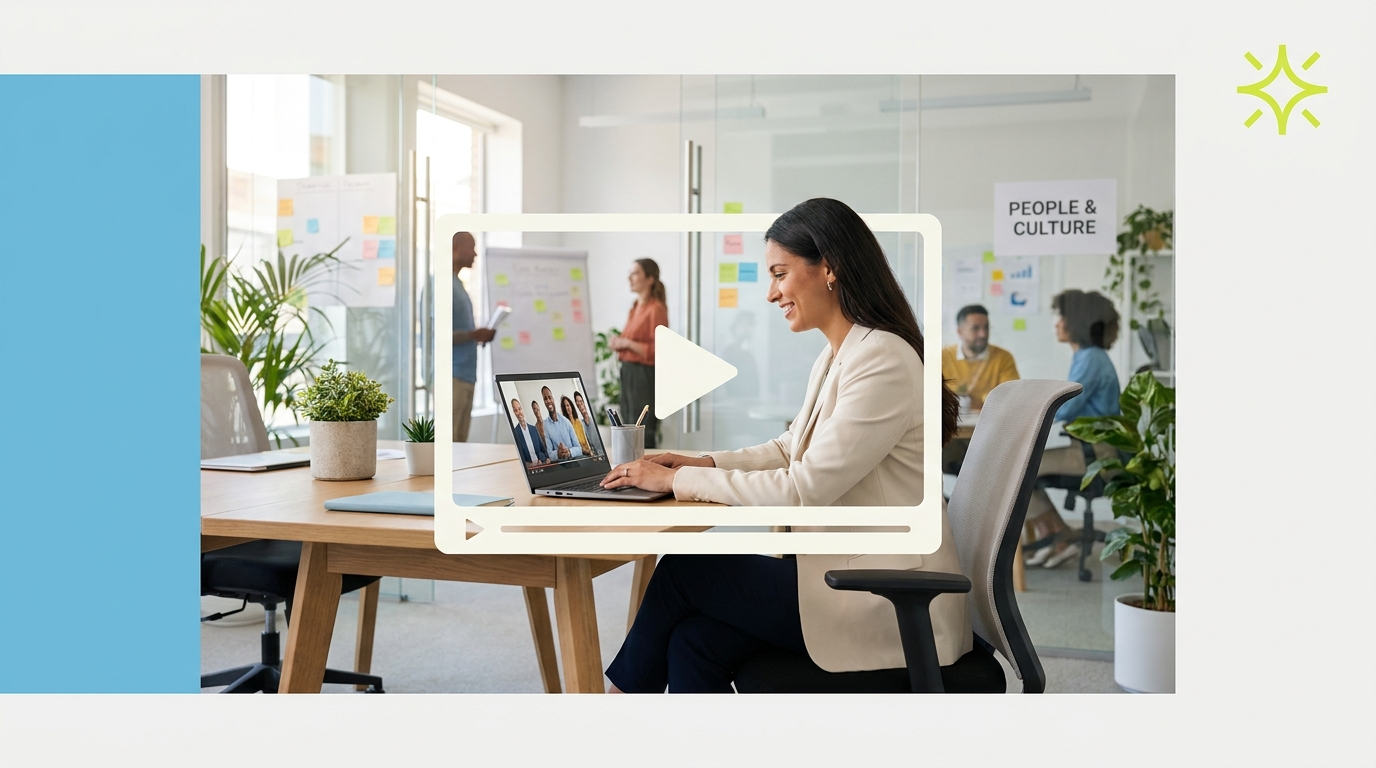
Video editing for HR departments covers a wider range of content than most HR leaders account for when they plan their annual content calendar. Employer brand video for recruiting, new hire onboarding series, manager and leadership training content, internal communications from executives, benefits explainers, and culture documentation content all require professional editing if they are going to accomplish their intended objectives. HR content that looks rough or feels amateurish signals the same about the organization to candidates evaluating offers and to employees consuming internal communications.
This guide covers what professional video editing for HR departments involves, the content types that produce the most value, what it costs, and how to structure an editing workflow suited to HR's specific production requirements.
What video editing for HR departments involves
HR video editing spans two broad categories with very different production profiles.
Internal content, including training, onboarding, benefits education, and policy communication, prioritizes clarity and consistency over visual sophistication. The goal is effective knowledge transfer, high completion rates, and consistent understanding across a workforce that may span multiple locations, time zones, and experience levels. Editing for this content type focuses on pacing that supports comprehension, chapter markers for navigation, precise audio quality, and standardized graphic templates that maintain consistency across a large content library.
External content, including employer brand video, recruiting campaigns, and culture-focused social content, needs to do something harder: make a candidate choose your organization over others. The editing standard for this content is closer to consumer marketing than internal communications. It needs to be compelling, authentic, and emotionally resonant. A recruiting video that looks like a corporate PowerPoint presentation recorded on screen does not accomplish what it needs to accomplish.
Wyzowl reports that 91% of businesses use video as a marketing tool. In talent acquisition, where candidates have more use and more options than at most points in the previous decade, employer brand video is one of the primary differentiators between organizations competing for the same pool of qualified candidates.
Content types HR departments use video editing for

Employer brand and recruiting video is the highest-value external content type. A well-produced company culture video, team profile series, or day-in-the-life content that shows candidates what working at the organization actually looks like converts better than any job description alone. This content lives on career pages, LinkedIn, and recruiting platforms.
New hire onboarding video replaces or supplements the live orientation sessions that scale poorly. A polished onboarding series that covers the company's history, values, policies, benefits, and first-week expectations allows new hires to consume information at their own pace and reference it later. Organizations with strong onboarding video programs report faster time-to-productivity and higher early engagement scores.
Manager and leadership training video supports development programs that run across locations or business units. An edited training series that covers management frameworks, communication best practices, or specific skill development is more scalable than instructor-led sessions and produces more consistent message delivery.
Executive communications including town halls, all-hands recording clips, CEO update videos, and milestone announcements need to be edited and distributed professionally. Raw recording of a leadership team member speaking to a webcam without professional editing and delivery communicates the opposite of what an executive communication is intended to convey.
Benefits and policy explainer video reduces the volume of HR-related questions employees ask by giving them self-service access to clear video explanations of the benefits enrollment process, leave policies, performance review timelines, and other frequently asked topics.
Culture and recognition content for internal communications, including team spotlights, anniversary recognition, award announcements, and office event highlights, builds community and retention among existing employees.
How much HR department video editing costs
HR video editing pricing varies by content type and production volume.
For standalone employer brand productions like a flagship company culture video or a recruiting campaign video, per-project rates typically run $1,500 to $5,000 depending on length and scope.
For training and onboarding video, per-video pricing often runs $50 to $200 per finished minute depending on complexity. A simple talking-head training clip costs less per minute than a multi-source screen recording with branded graphics and chapter navigation.
Done-for-you subscription services at $2,000 to $3,200 per month cover ongoing editing capacity across all HR content types. For organizations producing a steady volume of training content, onboarding video, and recruiting content simultaneously, the subscription model provides more consistent output at a lower effective cost than per-project pricing.
HubSpot research on video marketing shows that consistent video content produces compounding returns in reach and conversion. For HR departments building employer brand through LinkedIn and recruiting platforms, regular video publishing that shows the culture authentically is a long-term investment in talent pipeline quality.
An in-house video editor costs $55,000 to $75,000 per year per ZipRecruiter. For large organizations with constant training and communication production needs, dedicated editing headcount is justified. For most HR teams, a subscription or per-project service is more cost-effective given the variable volume of production across the year.
What to look for in an HR video editing service

Experience with instructional and internal communications content is important for training and onboarding video. An editor who has worked on e-learning, corporate training, or internal video understands the pacing and clarity requirements that make learning content effective. Ask for relevant portfolio examples.
Experience with employer brand and recruiting content is equally important for the external-facing side of HR video. This content needs to feel authentic and compelling, not like a PR exercise. An editor who can find and present the genuine moments in culture footage, rather than producing something that looks staged, is valuable.
LMS compatibility is worth confirming for training content. Most platforms accept MP4 at standard resolution, but confirm your specific requirements before engaging.
For a broader market comparison, see best video editing services compared. For the internal communications and training side specifically, see done-for-you video editing service for how ongoing editing relationships work.
How to brief an HR video editor
HR briefs need to clearly separate internal and external content objectives. An editor who applies the same editorial approach to a manager training module and an employer brand recruiting video will produce something that is wrong for at least one of them.
For employer brand and recruiting content, the brief should include: the target candidate profile and where they are in the consideration process, the culture attributes you want to communicate, the emotional register (ambitious and innovative, warm and collaborative, growth-oriented), the intended channel and format, and any specific moments or team members to feature.
For training and onboarding content, the brief should include: the audience's role and experience level, the learning objectives, any chapter structure required, branded graphic templates if they exist, LMS format requirements, and any compliance or legal review steps that need to be built into the timeline.
The video brief template provides a starting structure you can adapt for both HR content categories. Keeping a separate brief template for internal versus external content reduces confusion and speeds up editing decisions.
What good HR video produces for the business

HR video content that is professionally produced produces measurable downstream outcomes for the broader organization. Recruiting video that accurately represents culture reduces first-year turnover by setting accurate expectations. Onboarding video that is clear and comprehensive reduces manager time spent on individually answering the same questions. Training video that is well-edited improves knowledge retention and reduces the time it takes for employees to reach full productivity. These outcomes have direct financial value that makes the cost of professional video editing straightforward to justify.
The internal communications video gap most HR teams miss
Most HR departments underinvest in internal communications video relative to the volume of communication they are actually responsible for. Town halls are recorded but not edited. Benefits explainers are PDFs rather than video. Training is instructor-led rather than video-based because the team does not have editing capacity to scale the content.
The result is higher HR question volume, lower benefits utilization, inconsistent management training quality across locations, and weaker employee engagement scores than the information HR is actually providing would justify.
Professional editing capacity changes the output ceiling. With a subscription editing service, an HR team that films a benefits walkthrough once can publish it as a polished explainer video that reduces Q4 open enrollment questions by a measurable margin. A town hall that was previously available only as a raw recording becomes a chaptered, captioned video that employees can navigate and reference. The content already exists. The editing is what gives it professional impact.
For HR teams also building employer brand through social content, see short-form video editing service for what platform-optimized recruiting content looks like at volume. For the internal learning content side, the video editing subscription services guide covers how ongoing editing relationships work for organizations producing training content regularly.
Where to go from here
Frequently asked questions
What type of video editing does an HR department need?
HR departments typically need employer brand and recruiting video, new hire onboarding series, manager and leadership training content, executive communications, benefits and policy explainer video, and internal culture and recognition content.
How much does HR video editing cost?
Per-project rates for employer brand content run $1,500 to $5,000. Training and onboarding content is often priced at $50 to $200 per finished minute. Done-for-you subscription services cost $2,000 to $3,200 per month and cover ongoing editing across all HR content types. A $900 trial is available to test the service before committing to a monthly plan.
How does professional video editing improve recruiting?
Well-produced employer brand video gives candidates a genuine and compelling view of the culture, team, and work environment. Candidates who see authentic culture content before applying or accepting offers tend to have more accurate expectations, are more enthusiastic about the organization, and turn over less in the first year. The production quality also signals organizational maturity and investment in employee experience.
How do I improve completion rates on training videos?
Professional editing that removes dead air, adds clear chapter navigation, and maintains consistent visual quality significantly increases completion rates. Learners who find training video easy to navigate and visually consistent with other company communications take it more seriously and complete it more reliably.
Can video reduce HR question volume?
Yes. Benefits explainer video, policy walkthrough content, and onboarding series that clearly cover common first-week questions reduce the volume of individual HR queries significantly. Organizations that invest in self-service video content report measurable reductions in repetitive HR questions after the content is deployed.
How should HR departments use LinkedIn for employer brand?
Regular publishing of short culture clips, employee spotlight content, team day-in-the-life video, and leadership thought leadership builds a consistent impression of the employer brand for candidates who research companies before applying. A well-maintained LinkedIn presence with two to three video posts per week outperforms organizations that post infrequently or only share job listings.
What is the most common mistake HR teams make with video?
Publishing raw, unedited recordings as finished content. An unedited town hall recording, a benefits walkthrough done in one take on a webcam, or a rough training session captured without production support communicates the opposite of what HR is trying to achieve. Professional editing is what converts good content into effective communications.

Prakhar Mehta
Pixel8 is a done-for-you video editing subscription, giving SaaS companies, agencies, and founders a dedicated editing team with 48-hour turnaround.
Ready to stop doing this yourself?
Get a dedicated video editing team. 48-hour turnaround, unlimited revisions, month-to-month.