How to Edit Podcast Into Clips That Convert
Learn how to edit podcast into clips with a repeatable workflow: find moments, cut for the hook, reframe vertical, add captions, brand, and batch fast.
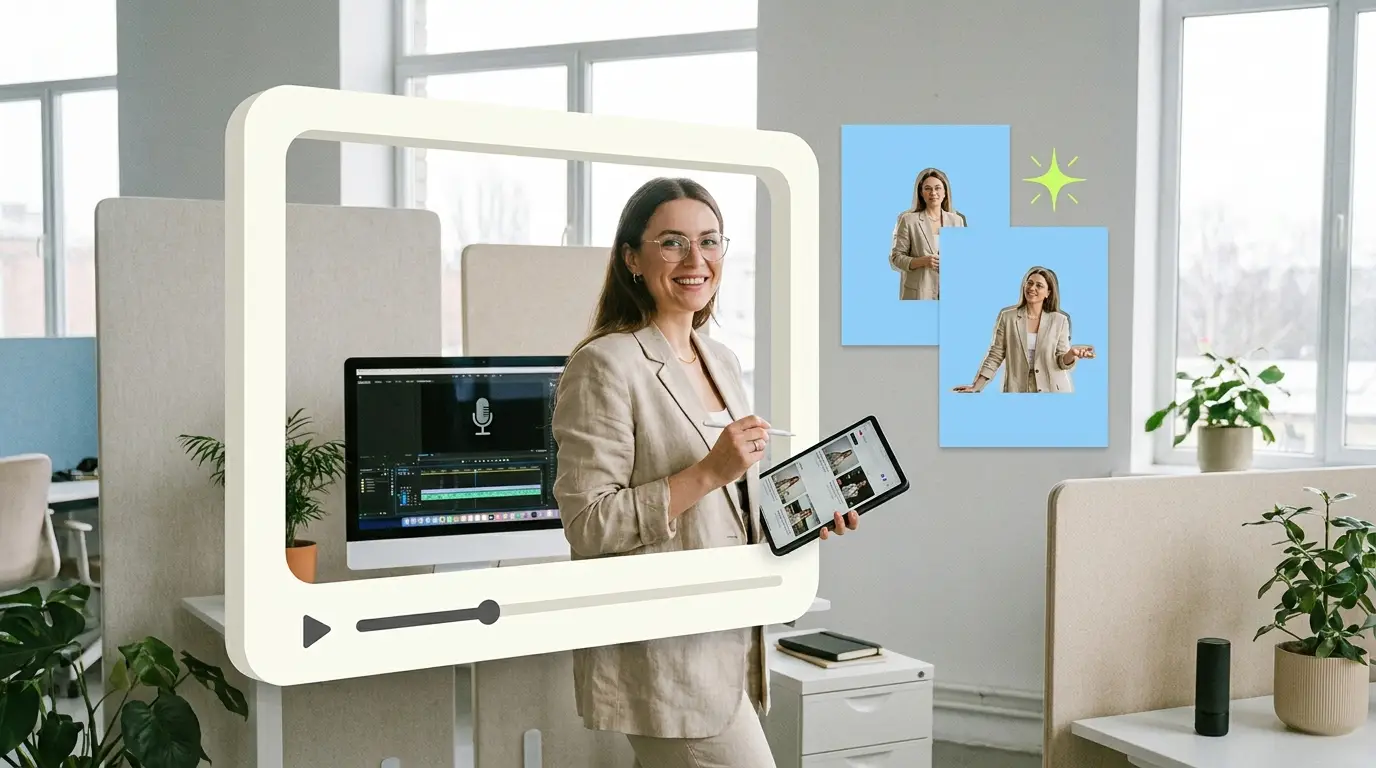
A single 60-minute podcast episode holds enough material for a week of social content, but only if you know how to pull it out. Learning how to edit podcast into clips is the difference between an episode that lives and dies on your RSS feed and one that drives steady attention across YouTube Shorts, Reels, and TikTok. The good news is that clipping is a process, not a talent. Once you have a repeatable workflow, you can turn any episode into 8 to 12 short videos without staring at a timeline for hours wondering where to cut.
This guide walks through the full process step by step: finding the moments worth clipping, cutting for a hook, reframing to vertical, adding captions, branding, and batching the whole thing so it stays sustainable. Video is now central to how buyers decide. Wyzowl reports that 91% of businesses use video as a marketing tool, and 82% say a video convinced them to buy a product or service. Podcast clips are one of the cheapest ways to get into that mix because the raw footage already exists.
Why clips matter more than the full episode
Most people will never listen to your full episode. They will, however, stop on a 45-second clip that says something sharp in the first three seconds. Clips do the discovery work that long-form cannot. They surface in feeds, get shared, and pull new listeners back to the full show.
For B2B brands, this matters even more. A clip of your founder explaining a counterintuitive idea is a credibility asset. It shows expertise in a format buyers actually consume between meetings. According to HubSpot's video marketing research, short-form video continues to deliver the highest return on investment of any content format, which is exactly why podcast clipping has become a default move for shows that want reach.
Step 1: Find the moments worth clipping

The biggest mistake people make is trying to clip the whole episode evenly. Instead, hunt for moments. A good clip moment is self-contained, has tension or surprise, and makes sense to someone who has never heard the show.
Look for these patterns as you review the episode:
- A strong opinion or hot take. Anything that sounds like "most people get this wrong" or "here is what nobody tells you."
- A story with a clear arc. A short anecdote with a setup and a payoff travels well.
- A specific number or result. "We cut churn by 30% in one quarter" is more clippable than vague advice.
- A clean answer to a common question. If a guest answers something your audience asks constantly, clip it.
- A disagreement or a moment of friction. Tension keeps people watching.
To speed this up, generate a transcript first. Reading is far faster than scrubbing audio. Most editing tools and standalone services produce a timestamped transcript in minutes. Mark each moment with its start and end timestamp and a one-line label. Aim to flag 10 to 15 candidates per episode, knowing some will not survive the edit.
Step 2: Cut for the hook
The first three seconds decide whether a clip survives the feed. This is where most podcast clips fail. They open with a slow ramp, throat-clearing, or "so, you know, I think that..." before getting to the point.
Your job is to find the single sentence that states the payoff, then start the clip as close to that sentence as possible. Two reliable approaches:
- Lead with the conclusion. Move the punchy line to the front, even if it came later in the conversation. A short jump cut is invisible to viewers and far better than a slow open.
- Open with a question. If the host asks something sharp, start there. The question creates an information gap the viewer wants closed.
Trim ruthlessly. Cut filler words, long pauses, and tangents. A tight 40-second clip beats a meandering 90-second one almost every time. The principles here overlap heavily with general short-form editing, and if you want a deeper breakdown of the format mechanics, our guide on how to repurpose long-form video into shorts covers the cutting logic in detail.
Step 3: Reframe to vertical

Podcasts are usually shot wide or in a two-shot horizontal frame. Shorts, Reels, and TikTok are vertical 9:16. You cannot just letterbox the wide shot, because the speaker ends up tiny and the clip dies.
You have a few options for vertical reframing:
- Speaker tracking. Crop to a 9:16 frame that follows whoever is talking. When the guest speaks, the frame is on the guest; when the host responds, it cuts to the host. This keeps energy high.
- Split screen. Stack both speakers vertically, host on top, guest on bottom. This works well for back-and-forth exchanges.
- Single-speaker zoom. For solo moments or monologues, a tight crop on one person reads cleanly.
The goal is that the active speaker fills the frame and feels close. Leave a little headroom, keep eyes in the upper third, and avoid awkward crops that cut off the top of someone's head. This kind of reframing is one of the more time-consuming parts of the job, which is why many teams hand it to a dedicated short-form video editing service once volume picks up.
Step 4: Add captions
Most people watch with the sound off, at least at first. Captions are not optional. They are the single biggest lever on watch time for podcast clips.
A few rules for captions that work:
- Keep them large and centered in the middle third of the frame, well clear of platform UI at the top and bottom.
- Animate word by word or phrase by phrase so the text tracks the speech. Static blocks of text feel flat.
- Use a high-contrast style. White text with a dark outline or a subtle background works on almost any footage.
- Check accuracy. Auto-generated captions will mangle names, jargon, and acronyms. Always proofread, especially for B2B clips where a wrong product name undercuts your credibility.
Captions also make clips accessible and improve comprehension even when the sound is on. Treat them as a core part of the edit, not an afterthought.
Step 5: Brand the clip

Branding is what turns a one-off clip into a recognizable series. The point is consistency, not decoration. When someone sees three of your clips, they should know they all come from the same show.
Keep branding light but consistent:
- A small logo or show name in a corner, sized so it never covers the speaker's face.
- A consistent caption style with your brand color and font across every clip.
- An episode title bar or progress element if it fits, though this is optional.
- A short end card with the show name and a soft call to action like "full episode on YouTube."
Resist the urge to over-design. Heavy lower thirds, animated intros, and busy templates slow you down and distract from the content. A clean, repeatable template you can apply in seconds beats a beautiful one you dread rebuilding every time.
Step 6: Batch the workflow
Batching is what makes clipping sustainable. Editing one clip end to end, then starting the next from scratch, wastes the mental setup time. Instead, do each stage across all clips at once.
A simple batched workflow looks like this:
- Transcribe the full episode once.
- Select all 10 to 15 candidate moments in one review pass and log timestamps.
- Rough cut every clip for the hook in a single session.
- Reframe all clips to vertical together.
- Caption all clips in one pass using the same template.
- Brand and export everything at the end.
Working in stages keeps you in one mode at a time and is dramatically faster than context-switching per clip. Save a project template with your caption style, frame settings, and branding so each new episode starts from the same baseline. This is the same logic behind any good video content repurposing service for B2B: systematize the repeatable parts so the only variable is the content itself.
How many clips per episode?
A practical target is 8 to 12 clips from a 45 to 60 minute episode. Fewer than that and you are leaving reach on the table. Many more than that and quality usually drops, because you start clipping weak moments just to hit a number.
Think in tiers:
- 3 to 4 hero clips that are genuinely strong, with a clear hook and payoff. These get your best effort.
- 4 to 6 solid clips that are good but not standout. Useful for steady posting.
- A few experimental clips to test formats or topics.
Spread these across two to three weeks rather than dumping them all at once. A consistent drip keeps your feed active between episodes and gives each clip room to perform.
What Pixel8 Production offers
If you record regularly, clipping every episode yourself becomes a real time cost. That is the trade-off most teams hit: the workflow above is learnable, but doing it well, every week, for every episode, is a job.
Pixel8 Production is a done-for-you B2B video editing subscription. You send the raw episode, and a dedicated editor who knows your show handles the full clipping process: moment selection, hook cuts, vertical reframing, captions, and consistent branding. Turnaround is 48 hours, so clips ship while the episode is still fresh. Pricing is a flat $2,000 to $3,200 per month with no per-clip fees and no surprise invoices.
Compare that to the alternatives. Hiring an in-house editor runs $55,000 to $75,000 per year before benefits, according to ZipRecruiter salary data. Freelancers typically charge $75 to $250 per video, which adds up fast at 10 clips an episode. Agencies often quote $500 to $5,000 or more per project. The general market for editing help spans roughly $500 to $3,000 depending on scope and volume. A subscription model fits the cadence of clipping because the work is recurring, not one-off. You can see how the model works specifically for shows on our video podcast editing service for B2B page, and the broader done-for-you video editing service overview covers everything beyond podcasts.
Bottom line
Clipping a podcast is a system, not a guessing game. Find the strong moments, cut hard for the hook, reframe to vertical, caption everything, brand it consistently, and batch the work by stage. Do that and a single episode becomes 8 to 12 pieces of short-form content that pull new audiences back to your show. The workflow is learnable, but it is also recurring and time-hungry. If recording is part of your routine and clipping has become the bottleneck, handing it to a dedicated editor at a predictable $2,000 to $3,200 per month with a 48-hour turnaround keeps the clips shipping while you focus on making the show.
Where to go from here
Frequently asked questions
How many clips should I make from one podcast episode?
Aim for 8 to 12 clips from a 45 to 60 minute episode. That range gives you enough volume to post consistently without forcing weak moments into clips just to hit a number. Reserve your best effort for 3 to 4 hero clips per episode.
What is the ideal length for a podcast clip?
Most high-performing clips run between 30 and 60 seconds. Shorter clips suit a single punchy idea, while 60 seconds gives a short story room to land. The key is to cut all filler so every second earns its place, rather than padding to hit a target length.
Do I really need captions on podcast clips?
Yes. Most viewers watch with the sound off, at least initially, so captions are often the only thing keeping them on the clip. Animated, high-contrast captions in the middle third of the frame measurably improve watch time and make your clips accessible.
How do I reframe a horizontal podcast to vertical?
Use speaker tracking, split screen, or a single-speaker zoom depending on the moment. The goal is that the active speaker fills the 9:16 frame and feels close, with eyes in the upper third. Avoid simply letterboxing the wide shot, since that shrinks the speaker and kills the clip.
How long does it take to edit one podcast into clips?
For a single editor, a full episode of 8 to 12 clips typically takes 4 to 8 hours when batched well. Transcription, moment selection, hook cuts, reframing, captions, and branding each take time. Batching by stage rather than editing clip by clip is the biggest speed lever.
What does it cost to outsource podcast clipping?
It varies widely. Freelancers charge roughly $75 to $250 per video, agencies often quote $500 to $5,000 or more per project, and an in-house editor costs $55,000 to $75,000 per year. Pixel8 Production offers a flat $2,000 to $3,200 per month subscription with a dedicated editor and 48-hour turnaround.
What makes a good clip hook?
A good hook states the payoff or asks a sharp question in the first three seconds. Lead with the conclusion, even if it came later in the conversation, and cut any slow ramp-up or filler before it. The hook should create an information gap that makes someone want to keep watching.
How often should I post podcast clips?
Spread your 8 to 12 clips across two to three weeks rather than posting them all at once. A steady drip keeps your feed active between episodes and gives each clip room to perform in the algorithm. Consistency matters more than volume in any single day.

Prakhar Mehta
Pixel8 is a done-for-you video editing subscription, giving SaaS companies, agencies, and founders a dedicated editing team with 48-hour turnaround.
Ready to stop doing this yourself?
Get a dedicated video editing team. 48-hour turnaround, unlimited revisions, month-to-month.