CapCut vs Professional Video Editing: Compared
CapCut vs professional video editing: when a free DIY app wins, when a done-for-you service pays off, and how to choose the right fit for B2B content.
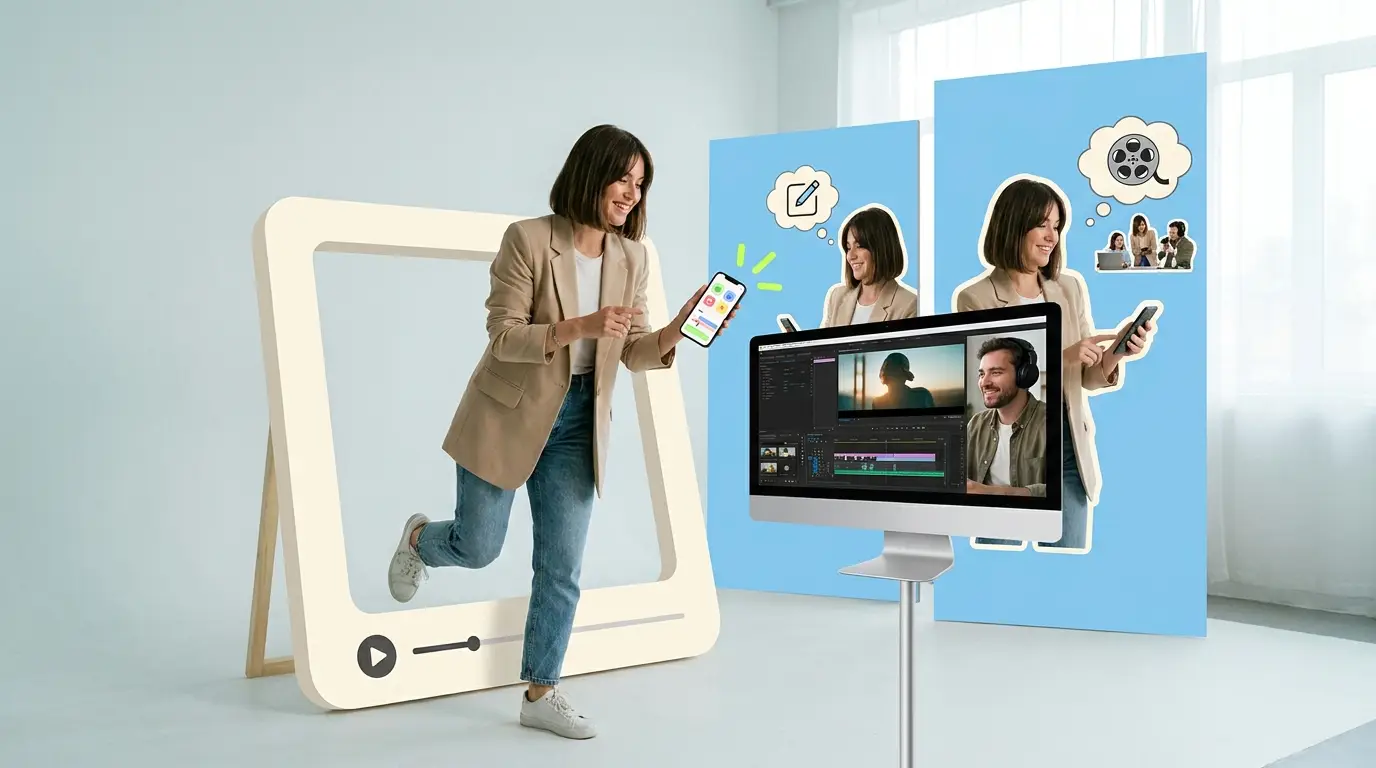
Choosing between CapCut vs professional video editing usually comes down to one honest question: how much does your time cost, and how much does the polish actually matter? CapCut is a free and freemium do-it-yourself editing app that lives on your phone and desktop, full of templates, auto-captions, and one-tap effects. Professional video editing means handing your raw footage to someone whose entire job is making it look good. Both can produce a finished video. They are built for very different situations, and picking the wrong one quietly costs you either money or momentum.
This guide breaks down where each option actually wins, what they cost in real terms, and how to decide based on the kind of content you publish and the volume you need.
What CapCut actually is
CapCut is a consumer editing app that started on mobile and expanded to desktop. It is free to use with a paid tier that adds premium templates, assets, and a few advanced tools. For most casual creators it covers the basics and then some.
The appeal is real. You can drop a clip in, tap a trending template, and the app handles transitions, beat-matched cuts, and timing for you. Auto-captions are fast and reasonably accurate. There is a deep library of effects, stickers, filters, and royalty-free music. For a quick social clip, you can go from raw phone footage to a posted Reel in under twenty minutes without knowing a single thing about editing theory.
That speed is the whole point. CapCut is designed to remove friction for one person making one video at a time. It is genuinely good at that job.
What professional video editing actually is

Professional video editing is a person or team taking your footage and shaping it with intent. That includes color correction, audio mixing, pacing decisions, motion graphics, brand-consistent lower thirds, and the kind of judgment that decides which seven seconds of a forty-minute interview are worth keeping.
You can access professional editing a few ways. You can hire a freelancer per project, work with an agency, bring an editor in-house, or use a done-for-you subscription. Each has a different cost structure and a different level of consistency, which we will get into below.
The key difference is not the software. A skilled editor using the same tools available to anyone will still produce sharper work than the templates can, because the value is in the decisions, not the buttons. If you want a fuller breakdown of the options, our guide to the best video editing services compared lays them out side by side.
Where CapCut wins
Let's be fair to the free tool, because for a lot of use cases it is the correct answer.
Speed for casual social clips. If you need a quick TikTok, a behind-the-scenes Story, or a meme-format clip for your personal brand, CapCut is faster than briefing anyone. The templates do the heavy lifting and you stay in control.
Cost. It is free. For a founder testing whether short video even works for their audience, spending nothing to find out is the smart move before committing budget.
Trend speed. Social trends move fast. When a format is hot this week, CapCut's template library often already has it, and you can ride the wave the same day. A briefing-and-revision cycle with an external editor is slower by design.
Learning the format. Editing your own clips for a while teaches you what works for your audience. That instinct is valuable even if you later hand the work off.
For early-stage, low-stakes, high-frequency casual content, the DIY route is hard to beat. Video marketing keeps growing for a reason, and according to Wyzowl, 91% of businesses use video as a marketing tool. Getting in the game cheaply has obvious appeal.
Where professional editing wins

The DIY case weakens fast once the work has to represent a brand, scale in volume, or clear a quality bar that templates cannot reach.
Brand consistency. A pro keeps every video on-brand: the same fonts, the same color treatment, the same intro and outro, the same captioning style. Template-driven editing tends to drift, because the template decides the look, not you. For a company publishing dozens of videos, that drift reads as amateur.
Advanced edits. Multi-camera interviews, syncing clean audio to picture, motion graphics, animated data, careful color grading across mixed footage. These are real skills. CapCut can do simple versions, but the ceiling is low compared to what an experienced editor delivers.
Judgment. This is the underrated one. A good editor knows which moments land, where to cut for pacing, how long is too long, and what to remove entirely. Templates have no opinion about your footage. That editorial judgment is the difference between a clip people watch and one they scroll past.
Time at volume. Editing one video yourself is fine. Editing twenty a month yourself is a part-time job you did not sign up for. The hours you spend trimming and captioning are hours you are not running the business. This is where outsourcing stops being a luxury and becomes basic math.
That last point matters because video works when you do enough of it. HubSpot's research on video marketing consistently shows video driving engagement and conversions, and Wyzowl reports that 82% of people say a video has convinced them to buy a product or service. Volume and quality together are what move those numbers, and that is hard to sustain solo.
The real cost comparison
CapCut is free, so the comparison is not about its sticker price. It is about the cost of your time versus the cost of paying a professional. Here is what the professional side actually runs.
Freelance editors typically charge $75 to $250 per video, depending on length and complexity. Good for occasional projects, but you manage the relationship, the briefs, and the inconsistency between editors.
Agencies run $500 to $5,000 or more per project. You get polish and capacity, but the per-project model gets expensive fast at volume and pricing is rarely transparent.
An in-house editor costs roughly $55,000 to $75,000 per year in salary alone, per ZipRecruiter, before benefits, software, and equipment. That makes sense only if you have a constant, full-time stream of work to keep them busy.
A done-for-you subscription sits between these. You pay a flat monthly fee for ongoing editing capacity instead of paying per video or carrying a salary. For brands publishing regularly, the math often favors this model, which is exactly why so many B2B teams have moved to it. We compare the tradeoffs in detail in our video editing subscription vs freelancer breakdown, and there is a fuller primer in our video editing subscription services guide.
Across the market, ongoing professional editing generally falls in the $500 to $3,000 range depending on volume and model. The right number depends entirely on how much you publish.
How to choose between the two

You do not have to pick one forever. Most growing brands use both, just for different jobs. Use this rough decision framework.
Use CapCut when:
- You are posting casual, personal, or experimental clips.
- Speed matters more than polish.
- You are testing whether a format works before investing.
- The video is low-stakes and does not need to be perfectly on-brand.
- You have the time and you enjoy doing it.
Use professional editing when:
- The video represents your brand to customers or prospects.
- You need consistency across many videos.
- The edit requires real skill: multicam, motion graphics, color, sound.
- You are publishing at a volume that eats your week.
- Your time is worth more spent elsewhere.
A useful gut check: if you would be embarrassed to have a prospect see a sloppy version, it is probably a job for a pro. If it is a quick, fun, in-the-moment post, CapCut is fine.
Many teams that start in CapCut graduate to a hybrid setup, keeping quick reactive posts in-house and routing their core branded content to a done-for-you video editing service. The short-form work in particular benefits from a dedicated process, which is why a short-form video editing service often pays for itself once posting cadence picks up.
What Pixel8 Production offers
Pixel8 Production is a done-for-you B2B video editing subscription built for teams that have outgrown editing everything themselves but do not want the cost or commitment of an in-house hire.
For $2,000 to $3,200 per month, you get a dedicated editor who learns your brand, a 48-hour turnaround on most edits, and unlimited revisions until each video is right. The flat monthly fee means no per-project quoting and no surprise invoices, which makes budgeting simple even as your output grows.
The model is designed for exactly the volume problem CapCut cannot solve. When you are publishing regularly across LinkedIn, YouTube, and short-form platforms, a dedicated editor who already knows your style turns a weekly time sink into a predictable pipeline. You hand off the footage, and finished, on-brand videos come back. You stay focused on the parts of the business only you can do.
It is not the right fit for someone posting one casual clip a month. It is the right fit for a B2B brand that treats video as a serious channel and needs consistent, professional output without the management overhead of freelancers or the fixed cost of a salaried hire.
Bottom line
CapCut vs professional video editing is not really a fight, it is a matter of fit. CapCut wins on speed and cost for casual, experimental, in-the-moment social clips, and it is a smart place to start. Professional editing wins on brand consistency, advanced craft, editorial judgment, and saving your time once you publish at volume.
Start with CapCut if you are testing the waters. Move to a professional service when video becomes a real channel for your brand and the hours, or the inconsistency, start costing you more than the editing would. For B2B teams at that stage, a done-for-you subscription like Pixel8 Production gives you dedicated, on-brand editing for $2,000 to $3,200 per month, so you can keep shipping video without it taking over your week.
Where to go from here
Frequently asked questions
Is CapCut good enough for business videos?
For casual, low-stakes social posts, often yes. For videos that represent your brand to customers, the templates and effects tend to produce inconsistent, generic-looking results. Business-critical content usually benefits from professional editing that keeps everything on-brand and applies real editorial judgment.
Is CapCut really free?
CapCut has a free tier that covers most basic editing, plus a paid tier that unlocks premium templates, assets, and some advanced tools. The free version is genuinely usable for everyday clips, which is a big part of its popularity.
Can professional editors use CapCut too?
They can, but most professionals work in more capable software because the value they add is in decisions, not the app. The same skilled editor will produce better results in any tool, because pacing, color, audio, and judgment are what separate professional work from template output.
How much does professional video editing cost?
It varies by model. Freelancers run roughly $75 to $250 per video, agencies $500 to $5,000 or more per project, and an in-house editor about $55,000 to $75,000 per year in salary. A done-for-you subscription like Pixel8 is $2,000 to $3,200 per month for ongoing capacity. A $900 trial is available to test the service before committing to a monthly plan.
When should I switch from CapCut to a pro service?
The usual trigger is volume. Once editing your own videos eats several hours a week, or once inconsistent quality starts hurting how your brand looks, the time you save and the polish you gain make professional editing the cheaper option in real terms.
Is a subscription better than hiring a freelancer?
For steady, ongoing work, often yes. A subscription gives you a dedicated editor who learns your brand, predictable monthly cost, and fast turnaround without managing multiple freelancers. Freelancers make more sense for occasional one-off projects. Our video editing subscription vs freelancer guide goes deeper.
Do I have to choose just one?
No. Plenty of brands use CapCut for quick reactive posts and a professional service for their core branded content. Using the right tool for each job is usually smarter than forcing everything through one.
What turnaround can I expect from a done-for-you service?
It depends on the provider. Pixel8 Production targets a 48-hour turnaround on most edits with unlimited revisions, which is far faster than the back-and-forth typical of juggling freelancers or hiring per project.

Prakhar Mehta
Pixel8 is a done-for-you video editing subscription, giving SaaS companies, agencies, and founders a dedicated editing team with 48-hour turnaround.
Ready to stop doing this yourself?
Get a dedicated video editing team. 48-hour turnaround, unlimited revisions, month-to-month.