B-Roll Editing Techniques for Business Video
Practical b-roll editing techniques for business video: covering cuts, matching action, pacing, motivated b-roll, sourcing, and layering with your a-roll.
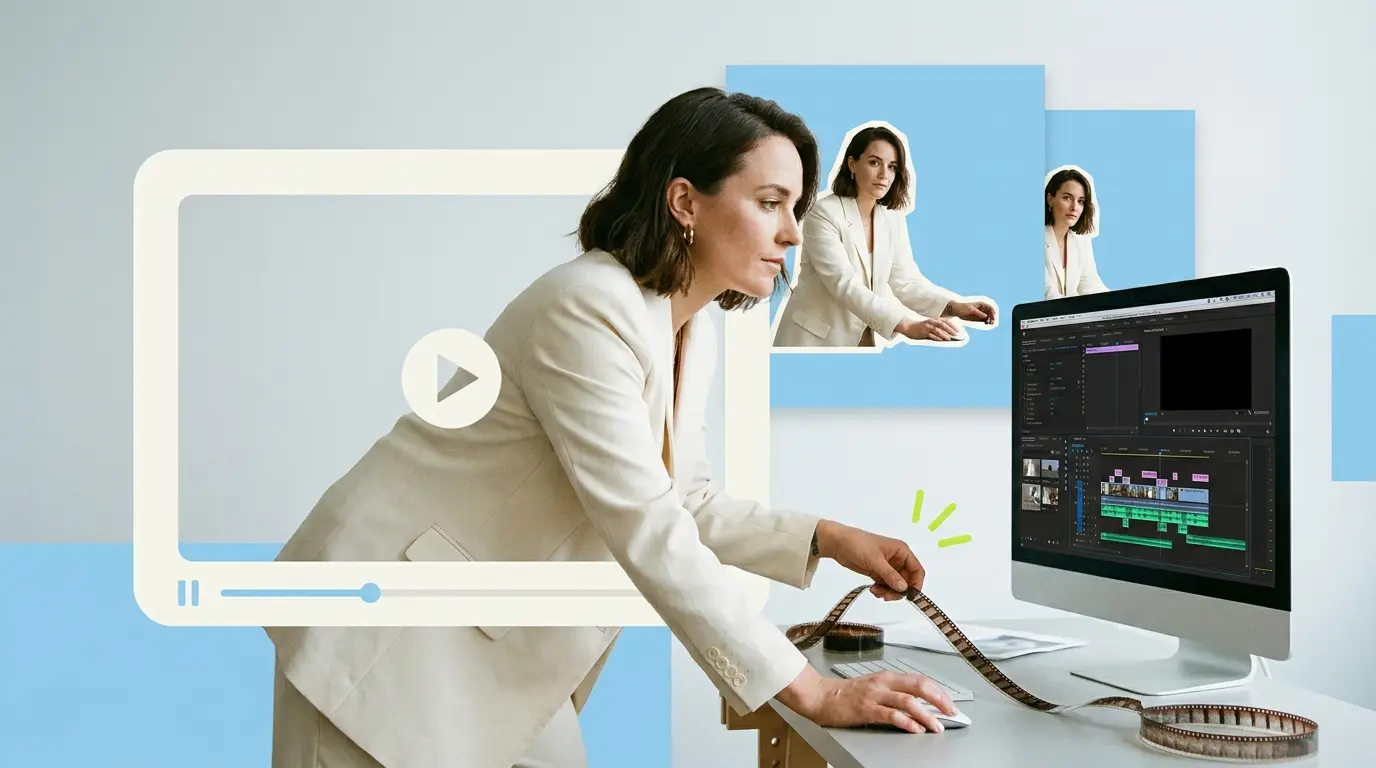
Strong b-roll editing techniques separate a business video that holds attention from one that feels like a static interview recorded in a quiet office. B-roll is the supporting footage that plays over your main subject: the product in use, the team at work, hands typing, the wide shot of the building. Cut well, it keeps viewers engaged and absorbing your message. Cut badly, it distracts, confuses, or signals that nobody cared. This guide covers the practical b-roll editing techniques that matter for marketing and corporate video, from cutting on action to motivated coverage to sourcing the right footage.
Video is too important to get this wrong. According to Wyzowl, 91% of businesses use video as a marketing tool, and 82% say a video convinced them to buy a product or service. The footage that surrounds your core message is doing real persuasive work, so the edit deserves attention.
What b-roll actually does
Before any technique, it helps to be clear about why b-roll exists. It is not decoration. B-roll has three jobs in a business video.
First, it shows what the speaker is talking about. When your CEO says the warehouse ships 10,000 orders a day, a shot of the warehouse floor makes that claim concrete. Second, it hides edits. When you trim an interview to remove filler, the cuts in your a-roll (the talking footage) create visible jumps, and cutting away to b-roll covers them so the edit feels intentional rather than choppy. Third, it controls pace and emotion. The rhythm of how you cut footage sets the energy of the whole piece.
A-roll carries the information. B-roll carries the experience. Both need to work together, which is the heart of every technique below.
Cutting on action

The single most useful b-roll editing technique is cutting on action. When you switch from one shot to another in the middle of a movement, the motion carries the viewer's eye across the cut and the edit becomes nearly invisible.
Say your subject reaches for a coffee cup. If you cut from a wide shot to a close-up halfway through the reach, the hand keeps moving across both shots and the brain stitches them together as continuous. Cut before the movement starts or after it finishes, and the edit feels static and obvious.
In practice this means watching for motion in your footage: a door opening, a laptop closing, someone standing up. Place your cut points inside those movements. When layering b-roll over an interview, time your inserts to land on beats in the speech or on natural gestures, so the visual change feels driven by something.
Matching action and continuity
Related to cutting on action is the discipline of matching action across shots. If a person picks up a phone in a wide shot, the close-up you cut to should show the phone at roughly the same height and in the same hand. When the position or timing does not match, viewers feel that something is off even if they cannot name it.
For interview-led business video, continuity matters less than in narrative film, but it still shows up. If your subject wears a jacket in one b-roll clip and not in another shot from the same setup, the mismatch reads as sloppy. Watch for clothing, props, lighting direction, and the position of people in the frame. A consistent look signals production quality, which reflects on the brand.
When you cannot match action cleanly, a cutaway solves the problem. Drop a neutral shot, a wide of the room or a detail shot, between two clips that do not match, and the discontinuity disappears.
Motivated b-roll versus filler

The biggest difference between amateur and professional business video is whether the b-roll is motivated. Motivated b-roll connects directly to what is being said or shown at that moment. Filler b-roll is generic footage thrown in just to have something on screen.
If your subject says "our engineers test every unit before it ships," and you cut to an engineer running a test, that is motivated, because the visual reinforces the words. Cut instead to a generic office with people walking around, and the viewer's attention drifts because the picture and audio tell different stories.
The rule is simple: every b-roll shot should answer the question the viewer is forming in that second. When you hear a specific claim, show the specific thing. This is harder than grabbing whatever looks nice, because it requires planning your shot list against your script, but it is what makes a video feel deliberate. If you are building this process at scale, our notes on a video editing workflow for marketing agencies cover how to keep b-roll mapped to script beats.
Layering b-roll with a-roll
Most business videos are built on an a-roll spine: the interview or talking head that carries the message. B-roll layers on top. The technique here is deciding when to stay on the speaker and when to cut away.
Stay on the speaker when their expression matters, when they make an emotional point, or when seeing them builds trust. Cut to b-roll when they describe something visual, when you need to hide an edit, or when the talking head has been on screen long enough to feel static. A common rhythm is to open on the speaker for a few seconds, then weave in b-roll as they get into detail, returning to the face for key statements.
Audio is part of this. Keep the interview audio running underneath your b-roll so the voice never stops. The picture changes, the voice continues, and the result feels layered rather than chopped. For deeper coverage of cutting interview footage, see our guide to talking head video editing.
Pacing and rhythm

Pace is set by how long each shot stays on screen and how the cuts relate to the audio. There is no single correct speed; it depends on the message and the platform.
A calm, premium brand video might hold each b-roll shot for four or five seconds with smooth transitions. A product launch or social ad might cut every one to two seconds to build energy. The mistake is being inconsistent without reason, where shots flash by then linger at random, which feels nervous.
A useful method is cutting to the rhythm of the speech or a music track. With music, place harder cuts on the beat; with voice only, cut on the natural pauses and emphasis points. This makes the edit feel musical even when the viewer is not aware of the timing. Short-form platforms reward fast pacing in particular, which we break down in our piece on short-form video editing.
Sourcing b-roll: original versus stock
Where your b-roll comes from shapes how the video feels. You have two sources, and most strong business videos use a mix.
Original b-roll is footage shot specifically for your video: your real office, your actual product, your team. It is always more credible because it is genuinely you. The downside is cost and time, since it requires a shoot. The advice here is to over-capture on shoot day. Whenever you film an interview, spend an extra hour grabbing b-roll of the location, the people working, and relevant details. Running short forces compromises later.
Stock footage fills gaps original coverage cannot. If you need an aerial city shot, a data center, or a concept like global connectivity, stock is faster and cheaper than booking a crew. The risk is genericness, since overused clips make a brand feel anonymous. When you do use stock, pick footage that matches your color grade and avoids obvious clichés, and use it for context rather than the core moments that should feel authentically yours. HubSpot's video marketing research shows how much weight buyers put on video, a good reason to keep original footage front and center.
Color, speed, and treatment
Raw b-roll rarely matches your a-roll out of the camera. Two treatment techniques close the gap.
Color matching is first. Your b-roll, especially stock or footage shot on a different day or camera, will have different white balance and contrast than your main footage. Grade it so the skin tones, whites, and overall mood line up. When the picture jumps from warm to cool every time you cut to b-roll, the inconsistency reads as cheap.
Speed is second. Slightly slowing b-roll to around 80 or 90 percent gives it a smoother, more cinematic feel and helps it sit calmly under faster a-roll audio. Do not overdo slow motion, which can feel melodramatic in a corporate context. Sped-up b-roll works for showing process or progress, like a build or a workflow compressing time.
Common b-roll editing mistakes
A few mistakes show up again and again in business video.
Holding shots too long is common with editors who fall in love with a clip. If a shot has made its point, cut. The opposite mistake, cutting so fast that no shot registers, is just as bad and leaves viewers unable to absorb anything.
Using b-roll that contradicts the audio is another. If the voice says "small, focused team" and you show a crowded open-plan floor, the mismatch undercuts the message. Always check that picture and sound agree.
Ignoring audio under b-roll is a third. When you cut away from the speaker, the interview audio should keep running, and you may add subtle ambient sound or music. Dead silence feels like a mistake. Finally, relying entirely on stock makes a brand interchangeable, and the fix is always more original footage. For a broader comparison of editing approaches, our overview of the best video editing services compared lays out the tradeoffs.
What it costs to get b-roll editing done
Good b-roll editing takes skill and time, and there are a few ways to pay for it. An in-house video editor in the United States runs roughly $55,000 to $75,000 a year according to ZipRecruiter, before benefits and software, which you can confirm against current video editor salary data. That makes sense only if you produce video constantly.
Freelancers charge around $75 to $250 per video depending on length and complexity, which works for occasional projects but can get inconsistent across a series. Agencies handle bigger productions at $500 to $5,000 or more per project, with quality to match. Across the general market, ongoing editing services tend to land somewhere in the $500 to $3,000 range depending on volume and turnaround. The right choice depends on how much video you make and how predictable you need the cost to be.
What Pixel8 Production offers
Pixel8 Production is a done-for-you B2B video editing subscription built for companies that need consistent, well-edited video without hiring or managing a team. You get a dedicated editor who learns your brand, your footage style, and your preferences, so the b-roll layering, color matching, and pacing stay consistent across every video.
The price is a flat $2,000 to $3,200 per month, which sits well below the cost of a full-time editor once you factor in salary, benefits, and software. Turnaround is 48 hours, so the b-roll techniques in this guide, motivated cuts, matched action, clean layering, get applied to your footage fast and at a predictable cost. If you want the full picture of how a subscription model works, our explainer on done-for-you video editing walks through it.
Bottom line
Strong b-roll editing techniques come down to a few disciplines: cut on action, keep your coverage motivated, layer it cleanly over a-roll with the audio running, control your pacing, match color, and lean on original footage with stock only to fill gaps. None of these are complicated, but doing all of them on every video, on a deadline, is where most teams struggle. Whether you build that capability in-house, hire freelancers, or use a subscription editor, the goal is the same: footage that supports your message instead of distracting from it.
Where to go from here
Frequently asked questions
What is b-roll in business video?
B-roll is supporting footage that plays alongside your main subject, such as product shots, the team at work, location wides, and detail close-ups. It complements the a-roll, which is the primary talking or interview footage. Together they make a video that both informs and holds attention.
How much b-roll do I need for a video?
A good rule is to capture far more than you think you need, often four to five times the b-roll length of your finished video. Over-capturing on shoot day gives the editor options and prevents being forced into generic stock later. Running short almost always shows in the final cut.
Should I use stock footage or shoot my own b-roll?
Use original footage for anything that represents your actual product, people, or workplace, because authenticity builds trust. Use stock to fill gaps you cannot reasonably shoot, like aerials or abstract concepts. The strongest business videos mix both, with original footage carrying the core moments.
What does cutting on action mean?
Cutting on action means making your edit in the middle of a movement, such as a hand reaching or a door opening, so the motion carries the viewer's eye across the cut. This makes the edit feel smooth and nearly invisible. It is the most reliable technique for clean b-roll transitions.
What is motivated b-roll?
Motivated b-roll is footage that connects directly to what is being said or shown at that moment, rather than generic filler. If the speaker mentions a test process, you show the test. Motivated coverage keeps picture and audio telling the same story, which keeps viewers engaged.
Why does my b-roll look different from my main footage?
It usually comes down to color and exposure differences between cameras, days, or stock sources. Color matching in your editing software brings the white balance, contrast, and skin tones in line so cuts feel consistent. Slightly adjusting speed can also help b-roll sit smoothly under your a-roll.
How much does professional b-roll editing cost?
A freelancer typically charges $75 to $250 per video, while agencies handle larger projects from $500 to $5,000 or more. An in-house editor costs roughly $55,000 to $75,000 a year. Pixel8 Production offers a subscription at $2,000 to $3,200 per month with a dedicated editor and 48-hour turnaround. A $900 trial is available to test the service before committing to a monthly plan.

Prakhar Mehta
Pixel8 is a done-for-you video editing subscription, giving SaaS companies, agencies, and founders a dedicated editing team with 48-hour turnaround.
Ready to stop doing this yourself?
Get a dedicated video editing team. 48-hour turnaround, unlimited revisions, month-to-month.