Training Video Editing Service: What to Expect
A training video editing service turns raw course recordings into polished learning content. See what to look for, what it costs, and how to brief your editor.
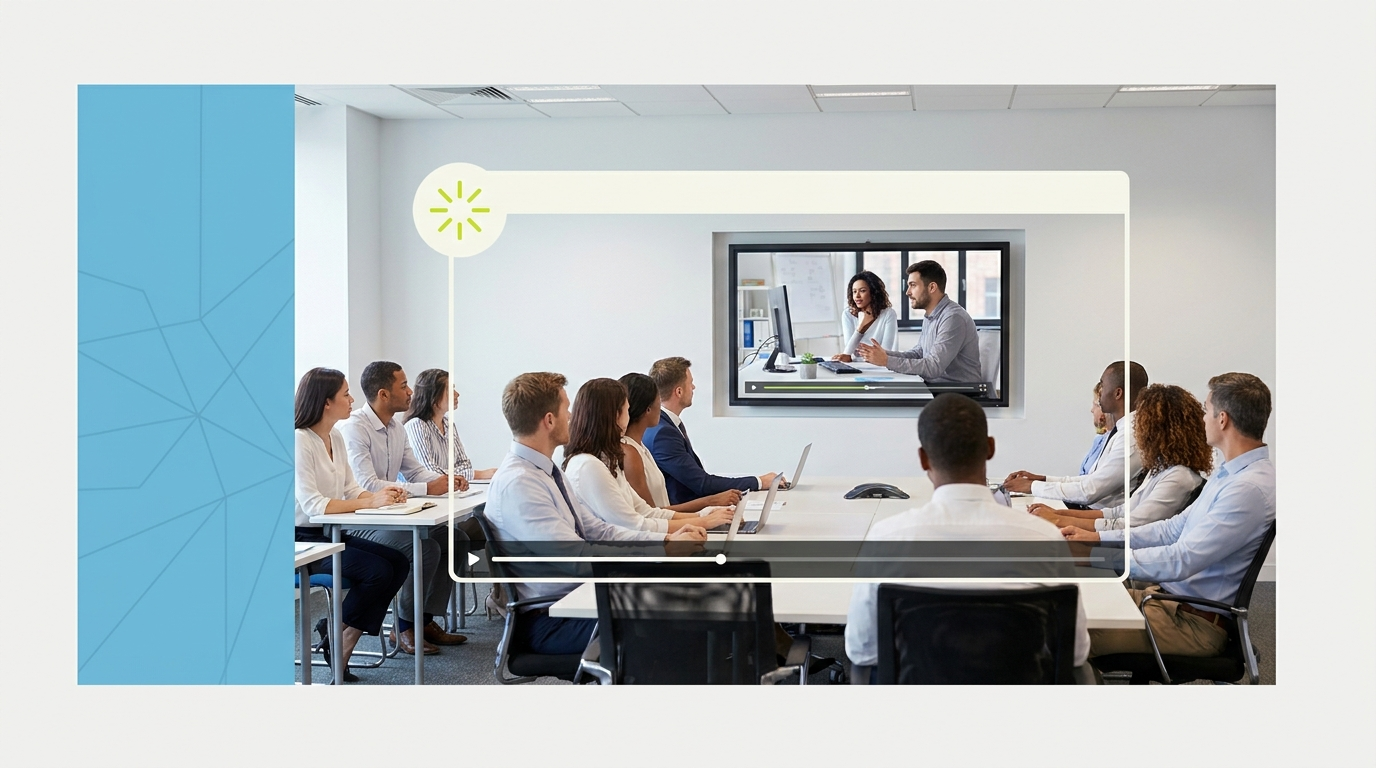
A training video editing service handles the post-production work that turns raw training recordings, screen captures, and course footage into polished learning content that employees or customers actually engage with. If you have been producing training videos in-house and finding that the editing phase consistently falls behind, or the output looks rough enough to affect how seriously learners take the material, outsourcing the editing is usually the lever that fixes both problems.
This guide covers what a training video editing service actually does, what to look for when choosing one, what it costs, and how to get the best results from the briefing process.
What training video editing actually involves
Training video editing is distinct from general-purpose marketing video editing. The content types are specific: recorded instructor-led sessions, screen capture walkthroughs, talking-head explainer clips, presentation-based content, role-play demonstrations, and customer-facing product education videos.
A skilled editor working on training content focuses on pacing that matches how people actually learn, not just how something looks. That means trimming dead air without cutting content, adding chapter markers and lower thirds that help viewers navigate, syncing screen recordings with voiceovers precisely, removing filler while keeping the instructional flow intact, and producing files in the formats your learning management system requires.
The output quality of training video directly affects completion rates. According to Wyzowl, 91% of businesses use video as a marketing tool, and the trend extends into internal learning. Organizations that invest in polished training content see higher completion rates and better knowledge retention than those distributing raw recordings.
What a training video editing service should include

Not all video editing services handle training content well. Many are optimized for social media clips, promotional videos, or marketing campaigns. Training content has a different production profile.
A service worth considering for training content should be able to handle: long-form recordings that need to be cut to length, screen recording and system walkthroughs, voiceover-to-visual synchronization, chapter markers and navigation overlays, branded lower thirds and title cards, multi-session courses packaged into a series, and export formats compatible with common LMS platforms like Workday, Cornerstone, Lessonly, or TalentLMS.
Ask any prospective service whether they have experience with instructional content specifically. The editing style for a customer success training module is different from a product launch video, and a general-purpose editor who has only worked on marketing content may not instinctively understand what learners need.
How much a training video editing service costs
Training video editing can be priced per video, per minute of finished content, or through a flat-rate subscription model.
Per-video or per-minute pricing is common for one-off projects or low-volume production. Expect $50 to $200 per finished minute for quality work, depending on complexity. A simple talking-head training clip costs less to edit than a multi-layer screen recording with branded graphics and chapter navigation.
A done-for-you subscription covers ongoing editing capacity for a flat monthly fee. These services typically run $2,000 to $3,200 per month and include a dedicated editor, fast turnaround, and unlimited revisions. For organizations producing training content on a regular cycle, whether quarterly program updates, onboarding series, or ongoing product education, the subscription model usually costs less per video and produces more consistent output.
HubSpot's research on video marketing consistently shows that organizations investing in quality video content, including internal training content, see measurable returns in engagement and action taken after viewing.
The in-house alternative is an editor on staff. ZipRecruiter puts video editor salaries at $55,000 to $75,000 per year. For organizations with consistent, high-volume training content production, that can make sense. For most L&D teams producing videos on a less predictable cycle, a subscription or per-project service is the more flexible model.
How to brief your editor on training content

The briefing process for training video is more specific than for marketing content. Your editor needs to know the audience and their baseline knowledge, the learning objectives each module serves, whether you want chapter markers and where they should fall, what lower thirds or title cards are needed, the tone (formal certification program versus casual onboarding welcome), and the LMS requirements for the final export.
The cleaner your brief, the faster your edit. A two-minute written brief with those details produces better output than an hour of back-and-forth with an editor who has to guess. Our video brief template gives you a structure you can adapt for training content specifically.
If you are producing training videos at scale, consider building a style guide for your editor that covers the visual system, your brand palette, font choices, lower third format, and preferred pacing. An editor who has worked on ten of your modules in this style will edit the eleventh faster and more accurately than any brief alone can produce.
How to choose a training video editing service
Four things matter most when evaluating a service for training content.
Experience with instructional content. Ask to see examples of training videos or e-learning modules they have edited, not just marketing or social clips.
LMS format expertise. Can they export in MP4 at the resolution and bitrate your LMS requires? Can they produce SCORM packages if needed, or do they hand off video files only?
Turnaround time. Training content often has a fixed launch date tied to a program rollout or product release. Confirm the service can hit your timeline.
Revision process. Training videos often need multiple rounds of review from SMEs, HR, legal, or compliance teams. An unlimited revision policy is worth paying for.
For a broader comparison of video editing services across use cases, see best video editing services compared. If you are also considering video content for customer-facing education, see our video editing for course creators overview for context on where the production requirements overlap and diverge.
Training video editing for customer onboarding

One of the highest-value applications of professional training video editing is customer onboarding. A polished onboarding video series that walks a new customer through product setup, key features, and common early questions reduces support ticket volume, improves activation rates, and directly affects retention.
These videos need to be clear, well-paced, and professionally produced. A rough screen recording with background noise and dead air communicates the opposite of what a well-run onboarding process should. If your customer success team is currently sharing raw recordings or slide decks with voiceover narrated in a home office without post-production, a professional editing service can change the impression that content creates.
The video editing subscription services guide covers how the subscription model works and what ongoing editing capacity looks like for teams producing training content at regular intervals.
Measuring the ROI of professional training video editing
Training video quality has a direct relationship with completion rates, knowledge transfer, and the downstream business outcomes that training programs are designed to produce. That makes professional editing an investment with measurable return, not just an aesthetic upgrade.
The clearest metric is completion rate. A well-paced, polished training video that removes friction, eliminates dead air, and makes navigation easy is completed more often than a rough recording. For compliance training or certification programs where completion is mandatory and tracked, higher completion rates reduce manager time spent chasing completions.
The second metric is knowledge retention. Instructional design research consistently shows that learner engagement correlates with learning outcomes. A poorly edited video that is hard to watch trains worse than the same content in a well-produced format. If your training program is tied to performance outcomes, a tool that drives engagement has downstream value.
The third metric is support ticket reduction. Customer onboarding videos and product training content that are clear, well-paced, and professionally produced reduce the number of questions your support team fields. Every prevented support ticket has a cost value you can calculate.
These metrics vary by program type and organization size, but the pattern is consistent: professional training video quality produces measurable downstream outcomes that justify the editing investment.
The video editing subscription services guide covers how to structure ongoing production relationships for L&D teams that need consistent output across a full training library. For context on how professional video editing is used in customer-facing contexts, see the done-for-you video editing service overview for how the briefing and delivery workflow typically operates.
Quick-start checklist for training video production
Before your first engagement with a professional training video editing service, prepare the following: all source recordings organized by module and lesson, your LMS format requirements, a brand kit with your color palette, logo, and approved fonts, a brief covering the audience, learning objectives, and tone for each module, and a timeline with fixed launch dates or review deadlines. Delivering these on day one reduces your first-project turnaround time and revision rounds.
Where to go from here
Frequently asked questions
What is a training video editing service?
A training video editing service handles post-production for employee training, customer onboarding, e-learning, and other instructional video content. This includes trimming, chapter markers, branded graphics, voiceover sync, and export in formats compatible with LMS platforms.
How much does training video editing cost?
Per-video pricing typically runs $50 to $200 per finished minute depending on complexity. Done-for-you subscription services cost $2,000 to $3,200 per month and include unlimited editing volume, a dedicated editor, and fast turnaround times. A $900 trial is available to test the service before committing to a monthly plan.
How long does it take to edit a training video?
A 10-to-20-minute training module with basic editing, branded graphics, and chapter markers typically takes 24 to 48 hours with a professional service. More complex multi-layer content or large batch productions take longer depending on the service's capacity and your briefing lead time.
What formats should training videos be exported in?
Most LMS platforms accept MP4 at 1080p or 720p. Some require specific bitrates or codecs. Confirm format requirements with your LMS before briefing your editor. Services experienced in training content will know common requirements for platforms like Workday, Lessonly, TalentLMS, and Cornerstone.
Can a video editing service handle SCORM packages?
SCORM packaging is typically handled by an instructional designer or e-learning development tool, not a video editor. A video editing service produces the video files. SCORM packaging wraps those files in a format the LMS can track. Clarify with any service whether they offer both or video files only.
Do I need a dedicated video editing service for training content?
If you are producing training videos consistently, whether monthly, quarterly, or for ongoing program updates, a dedicated service with experience in instructional content is worth the investment. It produces more consistent output and frees your L&D team from the editing workflow entirely.
What makes training video editing different from marketing video editing?
Training video editing prioritizes pacing for comprehension, clear navigation, accurate voiceover sync, and instructional clarity. Marketing video editing prioritizes engagement, persuasion, and brand impact. An editor experienced in training content understands that a good training video is judged by completion rate and knowledge transfer, not emotional impact.

Prakhar Mehta
Pixel8 is a done-for-you video editing subscription, giving SaaS companies, agencies, and founders a dedicated editing team with 48-hour turnaround.
Ready to stop doing this yourself?
Get a dedicated video editing team. 48-hour turnaround, unlimited revisions, month-to-month.