Social Media Video Editing Service: Full Guide
A social media video editing service handles platform-specific formatting, captions, and pacing. See what to look for, what it costs, and how to scale output.
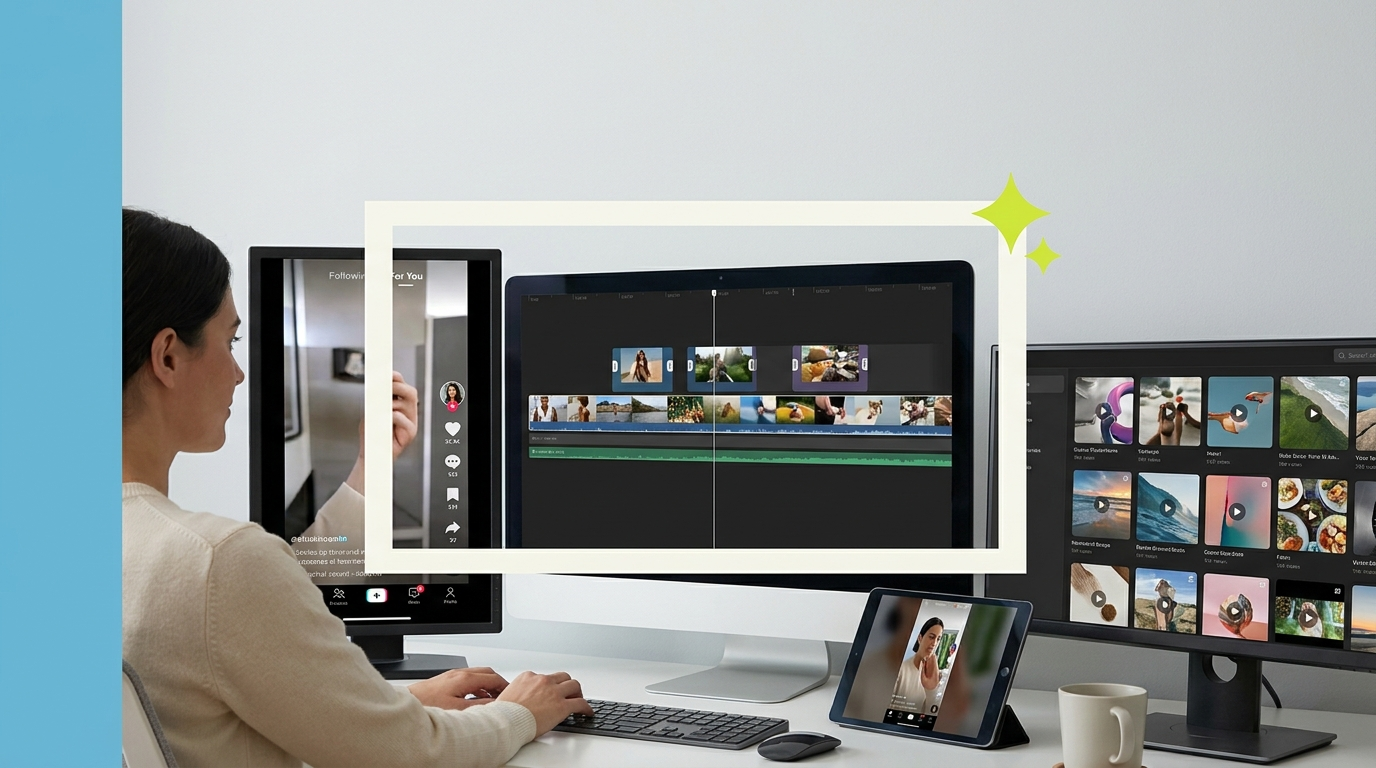
A social media video editing service handles the production work of turning raw footage, recordings, or long-form content into polished, platform-ready clips across Instagram, LinkedIn, TikTok, YouTube Shorts, and other channels. If your team is producing raw content but falling behind on editing, or publishing social video that looks inconsistent or underperforming, a dedicated social media video editing service is often the operational lever that fixes both problems.
This guide covers what these services actually include, how they differ by platform, what good service looks like, and how to choose the right setup for your team.
What a social media video editing service does
Social video editing is not simply cutting a long video shorter. A good social media video editing service handles the full post-production layer for short-form and platform-distributed content.
That includes: reformatting footage for different aspect ratios (16:9 for YouTube, 9:16 for Reels and TikTok, 1:1 for LinkedIn and Instagram feed), adding styled captions that match your brand system, applying platform-appropriate pacing and hook structure, color grading for visual consistency across a series, adding branded lower thirds and outro cards, selecting or editing music tracks that fit the clip and platform norms, and exporting at the right specs for each platform without quality loss.
Wyzowl reports that 91% of businesses now use video as a marketing tool, and the majority are distributing across multiple platforms simultaneously. Managing that distribution well, with content optimized for each platform's format and audience, requires editing capacity most in-house teams do not have at scale.
How platform requirements differ

Each major social platform has a different technical and audience expectation profile that affects how videos should be edited.
LinkedIn rewards professional, substantive content. Pacing is slower than TikTok. Captions are close to mandatory because most LinkedIn video is watched without sound. A thirty-to-ninety-second hook followed by substantive content performs better than quick cuts. Branded lower thirds and a clean title card establish authority. Text overlays should be legible in the feed view without needing to expand the video.
Instagram Reels and TikTok move faster. The first two seconds determine whether a viewer stays or scrolls. Cuts are faster. Energy is higher. Captions are styled more aggressively. Music selection matters more here than on any other platform. Trend-adjacent editing styles outperform polished-but-static approaches.
YouTube Shorts sits between the two. It performs better with slightly longer setup than TikTok but rewards the same fast-hook structure. The platform also indexing well for search means keyword-aware captions and titles have more influence on distribution.
X (Twitter) and Facebook favor native uploads over links, and shorter clips tend to outperform long-form. Clean cuts, captions, and a clear visual hook matter regardless of length.
What to look for in a social media video editing service
Not all editing services are set up for social-first content. Many are built for one-off productions rather than ongoing, high-volume social distribution.
The most important factors for social media video editing:
Volume capacity. Social video requires consistent output, not occasional projects. Look for services that can handle three to ten clips per week without bottlenecks.
Multi-format delivery. Your editor should deliver the same source clip formatted for every relevant platform without you having to request each variant separately.
Caption quality. Auto-captions are fast but unreliable. A good service reviews and corrects captions rather than delivering raw transcription output.
Turnaround time. Social content has a short shelf life. A service that takes a week to deliver an edit is not suited for social media production. Look for 24 to 48 hour standard turnaround.
Dedicated editor vs. rotating pool. Consistency in social video comes from a single editor who knows your brand voice, visual style, and audience. A rotating pool resets the learning curve on every project.
How much a social media video editing service costs

Pricing varies by model. Per-video pricing for social clips typically runs $50 to $200 depending on length and complexity. For teams publishing consistently, the per-video model gets expensive quickly.
Done-for-you subscription services run $2,000 to $3,200 per month and cover unlimited editing volume for a flat fee. For teams publishing ten or more clips per month, the subscription model is usually more cost-effective and produces more consistent output because the same editor works your account throughout.
HubSpot's research on video marketing shows that teams publishing consistent, well-produced social video see compounding returns on reach and engagement over time. The editing model that supports that consistency is the one where output does not depend on your team's available hours.
The alternative is in-house editing. ZipRecruiter puts video editor salaries at $55,000 to $75,000 per year. For brands publishing across four or five platforms simultaneously at volume, that headcount is often justified. For most teams, a subscription service is the more flexible entry point before that volume justifies a full-time hire.
How to set up an efficient social video editing workflow
The briefing process determines a large portion of the output quality. A service that receives a clear brief produces better work faster than one guessing at your preferences.
Your brief for each batch of social clips should cover: the source footage or recording, which platforms the clip is for, any specific hooks or moments you want highlighted, caption style preferences, music tone (if applicable), and any brand guidelines your editor should follow. A shared brand kit with your colors, fonts, and logo files saves time across the whole relationship.
The video brief template gives you a structure you can adapt for social content specifically. The cleaner your brief, the fewer revision rounds you need.
For teams repurposing long-form content into social clips, the repurpose long-form video into shorts guide covers the editorial strategy behind which moments to clip and how to structure them for short-form platforms.
Social video editing for B2B brands

B2B social video has a different editorial standard than consumer content. The audience is professional. The content needs to communicate competence and substance, not just entertainment. That affects pacing, caption tone, visual style, and what counts as an effective hook.
A B2B social video hook is typically a pointed claim or question that the viewer's professional context makes immediately relevant. The body of the clip delivers a usable insight or specific data point. The end drives to an action that fits their workflow: download, read more, book a call.
For platform-specific B2B strategy, see our guides on LinkedIn video strategy and YouTube channel growth strategy. For a broader view of what B2B video content at scale looks like across channels, the B2B video content calendar is a useful framework.
Building a sustainable social video content cadence
Consistency is the variable that separates social video strategies that build audiences from those that plateau. Publishing ten great videos and then going quiet for three weeks produces worse long-term results than publishing five adequate videos every single week without interruption.
A professional social media video editing service is the operational mechanism that makes consistency sustainable. Without editing capacity that runs independent of your team's available hours, output varies whenever the team is under pressure, traveling, or working through a campaign sprint. With a dedicated editing service, footage is the only variable. As long as footage arrives, output continues.
The workflows that sustain consistent social video output share a few common characteristics.
Footage batching is the first. Rather than recording one video and editing it before recording the next, record in batches. A half-day recording session produces enough raw material for two to three weeks of social content. That footage then feeds your editing service continuously, giving you a pipeline that does not depend on a recording session every week.
Content calendaring is the second. Map your social content schedule four to six weeks forward, at minimum. Know what you are publishing each week and in what format before you record. Briefing an editor on a planned piece is faster and produces better output than briefing reactively.
Quality review cadence is the third. Set up a defined review window for each delivered edit. If your editor delivers within 48 hours and you review within 24 hours, you have a workflow that can turn around polished content in three to four days from brief to posting.
The how to build a B2B video content engine covers these operational principles in detail for teams building video into their core marketing workflow rather than producing it episodically.
Getting started with a social media video editing service
The fastest path to consistent social video output is a simple three-step setup. First, choose a service with demonstrated experience in social content at the volume you need. Second, deliver a master brand brief covering your visual identity, platform preferences, caption style, and music direction. Third, establish a recurring footage handoff schedule so raw material reaches the editor consistently without requiring you to remember to send it. Most teams that set up this structure find the first two weeks involve calibration and the following weeks become predictable and low-maintenance.
Where to go from here
Frequently asked questions
What does a social media video editing service include?
A social media video editing service typically includes footage editing, platform-specific formatting and resizing, styled captions, branded graphics and lower thirds, music selection, color grading, and export at the correct specs for each platform. Some services also include strategic input on hook structure and content sequencing.
How much does social media video editing cost?
Per-clip pricing typically runs $50 to $200 depending on length and complexity. Done-for-you subscription services cost $2,000 to $3,200 per month and include ongoing editing volume, a dedicated editor, and unlimited revisions. A $900 trial is available to test the service before committing to a monthly plan.
How many videos per month should a social media video editing service handle?
A professional editing service should handle your full volume without bottlenecks. If you publish ten to thirty clips per month across platforms, confirm the service can deliver within your turnaround requirements at that volume before committing.
Do I need separate edits for each social platform?
Yes. Each platform has different aspect ratio requirements, audience expectations, and pacing norms. A 16:9 YouTube video should not simply be cropped and posted to Instagram Reels. A good social video editing service reformats and adjusts content for each platform natively.
How fast should a social video editing service turn around edits?
Standard turnaround for social clips should be 24 to 48 hours. Some services offer same-day turnaround for simpler edits. If a service is taking five to seven days for basic social clips, the turnaround is too slow for a social distribution calendar.
What is the difference between a social media video editing service and a general editing service?
Social video editing services are optimized for high-volume, multi-platform, short-form content with specific expertise in caption styling, aspect ratio variants, and platform-native pacing. General editing services may handle social content, but often are not structured for the volume or speed that consistent social publishing requires.
How do I brief a social media video editor?
Include the source footage, target platforms, any specific moments or hooks to highlight, caption style preferences, music tone, and brand guidelines. A well-structured brief reduces revision cycles and produces better output on the first delivery. The video brief template is a useful starting point to adapt for social content.

Prakhar Mehta
Pixel8 is a done-for-you video editing subscription, giving SaaS companies, agencies, and founders a dedicated editing team with 48-hour turnaround.
Ready to stop doing this yourself?
Get a dedicated video editing team. 48-hour turnaround, unlimited revisions, month-to-month.