Scale your YouTube channel without editing yourself
Editing your own YouTube videos is the bottleneck killing your channel. Here's a practical system for delegating editing without losing your style or audience.
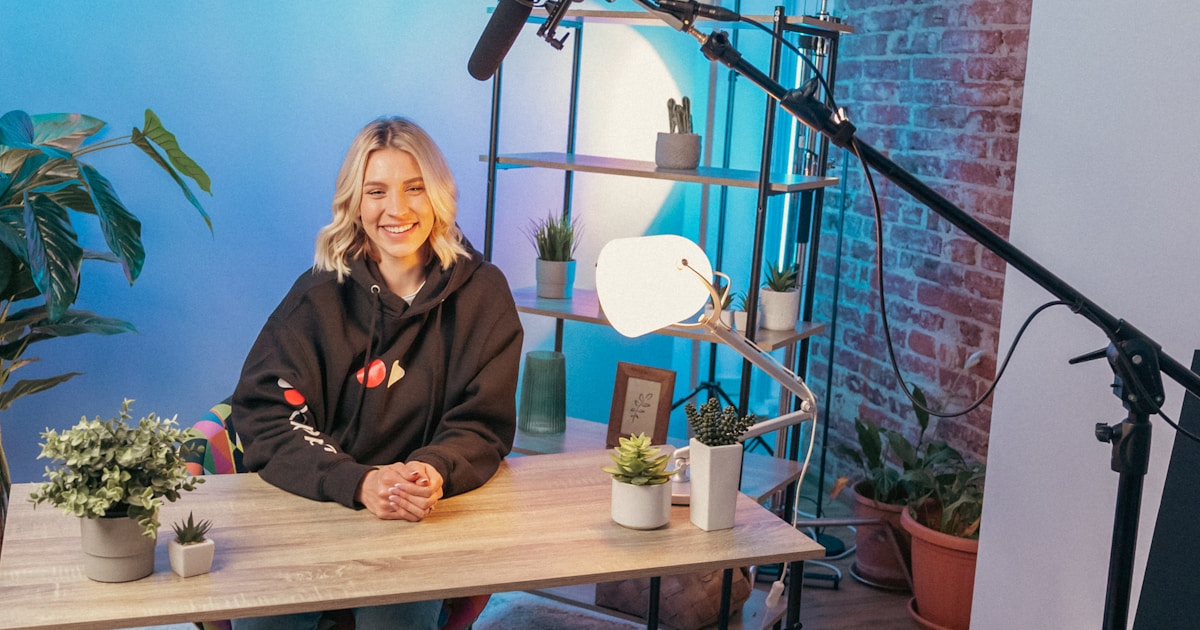
Here's a pattern that plays out constantly: a creator posts consistently for 3-4 months, starts seeing real traction, and then slows down. Not because they ran out of ideas. Because editing 20-minute videos on top of filming, researching, and engaging with comments became unsustainable.
This is the editing bottleneck. It is completely solvable, and solving it is almost always what separates channels that stall at 10K subscribers from those that break through to 100K and beyond.
Why YouTube creators edit their own videos, and why they shouldn't
Most creators start editing their own videos for two reasons:
- Control: they don't trust anyone else to match their style
- Cost: hiring feels expensive before monetisation kicks in
Both are understandable. Both become the wrong call as your channel grows.
The math is brutal. A 20-minute YouTube video takes 4-8 hours to edit competently, colour correction, audio mixing, captions, B-roll, transitions. For a creator posting twice a week, that's 8-16 hours of editing time before you do anything else. According to Wyzowl's 2025 Video Marketing Statistics, 91% of businesses now use video as a marketing tool, which means the competition for attention has never been higher. Spending half your week in Premiere Pro is not a growth strategy.
The opportunity cost is invisible but significant. Those 8-16 hours per week are not being spent on scripting better videos, studying what's working in your niche, building community, or pitching brand deals. They're being spent on execution work that a skilled editor can do faster and often better.
The style transfer problem, and how to actually solve it
The real fear isn't cost. It's quality. Creators worry: "What if an editor doesn't get my vibe?"
This is a workflow problem, not an editor problem. The solution is documentation, not searching for a mind-reader.
Step 1: Build a style reference document before you delegate anything
Put together a 1-2 page brief covering:
- Your editing pace (fast-cut like MrBeast or measured like Kurzgesagt?)
- Caption style: font, colour, size, animation type
- Music preferences: energy level, mood, licensing sources you use
- B-roll usage: heavy, minimal, stock-only, or specific sources?
- Transitions: hard cuts, j-cuts, effects you like or actively hate
- 3-5 reference videos, your own or competitors', that represent your ideal output
This document is a one-hour investment that eliminates months of re-briefing. Share it with every editor, every time, before a single frame is touched.
Step 2: Test on a published video first

Don't hand over your main upload slot to an untested editor. Instead:
- Pick a video you've already published with footage you still have
- Give the editor the raw footage and your style document
- Ask them to re-edit it from scratch
Compare their version to yours. The gap analysis takes 15 minutes. You now have real evidence about fit, before any live content is at risk.
Step 3: Build a revision rhythm deliberately

The first 2-3 videos will need more feedback than the next 10. That's normal. What matters is the structure of that feedback:
- Give timestamped notes: "at 3:42, caption font should be 10% larger"
- Avoid vague feedback: don't write "feels slow", say "the section from 4:10 to 5:30 could lose 45 seconds"
- After month one, your notes should shrink significantly
The compounding effect here is the real win. After 3-4 videos with the same editor, they anticipate your preferences before you write them down. Revision rounds drop from four to one.
What to delegate versus keep in-house
Not all video production tasks are equal. Here's a practical breakdown for YouTube specifically:
| Task | Delegate? | Why |
|---|---|---|
| Rough assembly edit | Yes | Pure time, no creative judgment needed |
| Captions and text overlays | Yes | Template-driven after initial setup |
| B-roll selection | First pass yes, final approval no | You know your brand context |
| Thumbnail design | Yes | Brief with 3-5 visual examples |
| Colour grading | Yes | Lock a style profile once, stays consistent |
| Music selection | Yes | With a reference playlist |
| Final review and sign-off | No | This is your creative judgment, not anyone else's |
Your time belongs at the top of the funnel: scripting, filming, strategy, community. Not rendering, syncing audio, or cutting long pauses.
The volume question: when does outsourcing make sense?
If you're posting once a month, self-editing is fine. But if you're trying to post consistently at once a week or more, which most growing channels need to, delegating editing becomes the obvious call.
YouTube reports that over 500 hours of video are uploaded to the platform every minute. Channels that grow in that environment post consistently, not occasionally. Consistent posting at quality is simply not achievable if you're doing every edit yourself.
The data on successful channels backs this out. Creators who scale past 100K subscribers almost universally stop self-editing at some point in their growth. The ones who stall often have a founder who won't let go of the editing, not because their editing is irreplaceable, but because handing it off feels risky. That risk is manageable. The cost of not delegating, posting less, burning out, losing posting momentum, is much higher.
How to find the right editing partner for your channel
There are three models worth considering:
Freelance editor, hired per project, no ongoing commitment. Good for testing. Doesn't scale well past 5-10 videos/month because you're managing consistency, availability, and quality across every brief.
Full-time hire, right for channels producing 20+ videos/month who need deep brand immersion. High fixed cost ($50,000-$75,000/year in salary plus equipment) and a real management commitment.
Video editing subscription, a dedicated editor assigned to your channel, fixed monthly cost, 24-48 hour turnaround, unlimited revisions. Works well for creators producing 10-30 videos/month who want team-level output without team-level overhead. See how the Pixel8 subscription model works →
For most YouTube creators scaling from 1 to 3 posts per week, the subscription model hits the right balance: consistent editor relationship, predictable cost, no hiring overhead, and output that scales with your ambitions. View current plans →
Why delegating editing compounds over time
The benefit isn't just time saved this week. It compounds.
A creator who frees up 10 hours per week by outsourcing editing has 10 hours to script better, research competitors, study the algorithm, run collabs, and engage more deeply with their audience. Each of those activities feeds back into video quality and channel growth. The editing time saving creates a growth flywheel.
Channels that previously posted once a week start posting twice. Twice-a-week channels move to three or four. The bottleneck shifts from editing to the only thing that should be the bottleneck: ideas and creative direction.
This is how agencies like Brandetize scaled their video output across 12+ client channels simultaneously, not by hiring more editors, but by delegating to a subscription model that absorbed the volume without adding management overhead.
Pixel8 is a done-for-you video editing subscription built for creators ready to stop editing but not ready to hire full-time. Book a discovery call to see how the handoff works, or view our YouTube video editing service for a full breakdown of what's included.
Where to go from here
Frequently asked questions
How do I outsource YouTube video editing without losing my style?
Build a style reference document before you hand anything off, covering your editing pace, caption style, music preferences, and 3-5 reference videos. Then test the editor on an already-published video before they touch anything live. Most style drift comes from poor briefing, not poor editors. A one-hour investment in documentation eliminates the majority of revision friction.
How much does it cost to hire a YouTube video editor?
Freelance editors typically charge $50-$200 per video depending on length and complexity. A full-time in-house hire costs $50,000-$75,000/year plus equipment and benefits. Video editing subscriptions offer a flat monthly rate covering a set volume of videos, typically running 40-60% less than a full-time hire at comparable output levels. See Pixel8 pricing →
Is it worth paying someone to edit your YouTube videos?
For creators posting more than once a week, almost always yes. A 20-minute YouTube video takes 4-8 hours to self-edit. If your time has any value, you're losing more in opportunity cost than you're saving by editing yourself. The question isn't whether to outsource, it's when and to whom.
How long does a professional editor take to edit a YouTube video?
A professional editor familiar with your style can edit a 10-20 minute video in 2-4 hours, roughly half the time a creator typically spends. At a subscription service with a team behind the editor, a 24-48 hour turnaround from raw footage to first draft is standard.
What should I include in a video editing brief?
Cover: editing pace with reference examples, caption font and animation style, music energy level and source, B-roll preferences, transition style, colour grading reference, and your export format specs. One to two pages is enough. The more specific the brief, the fewer revision rounds you'll need.
How many videos per month can a dedicated editor handle?
A single dedicated editor comfortably handles 15-25 videos per month depending on average length. For creators producing 30+ videos/month, a subscription service with a full team behind the editor is more suitable, output scales to 50+ without quality dropping.
When should I hire a full-time editor versus use a subscription?
Hire full-time when you need daily creative collaboration, deep brand immersion, and 30+ videos/month with complex post-production. Use a subscription when you need consistent, fast execution on a predictable volume with no employment overhead. For most solo creators and small teams, the subscription model is right until you're at a scale that justifies a full headcount.

Prakhar Mehta
Pixel8 is a done-for-you video editing subscription, giving SaaS companies, agencies, and founders a dedicated editing team with 48-hour turnaround.
Ready to stop doing this yourself?
Get a dedicated video editing team. 48-hour turnaround, unlimited revisions, month-to-month.